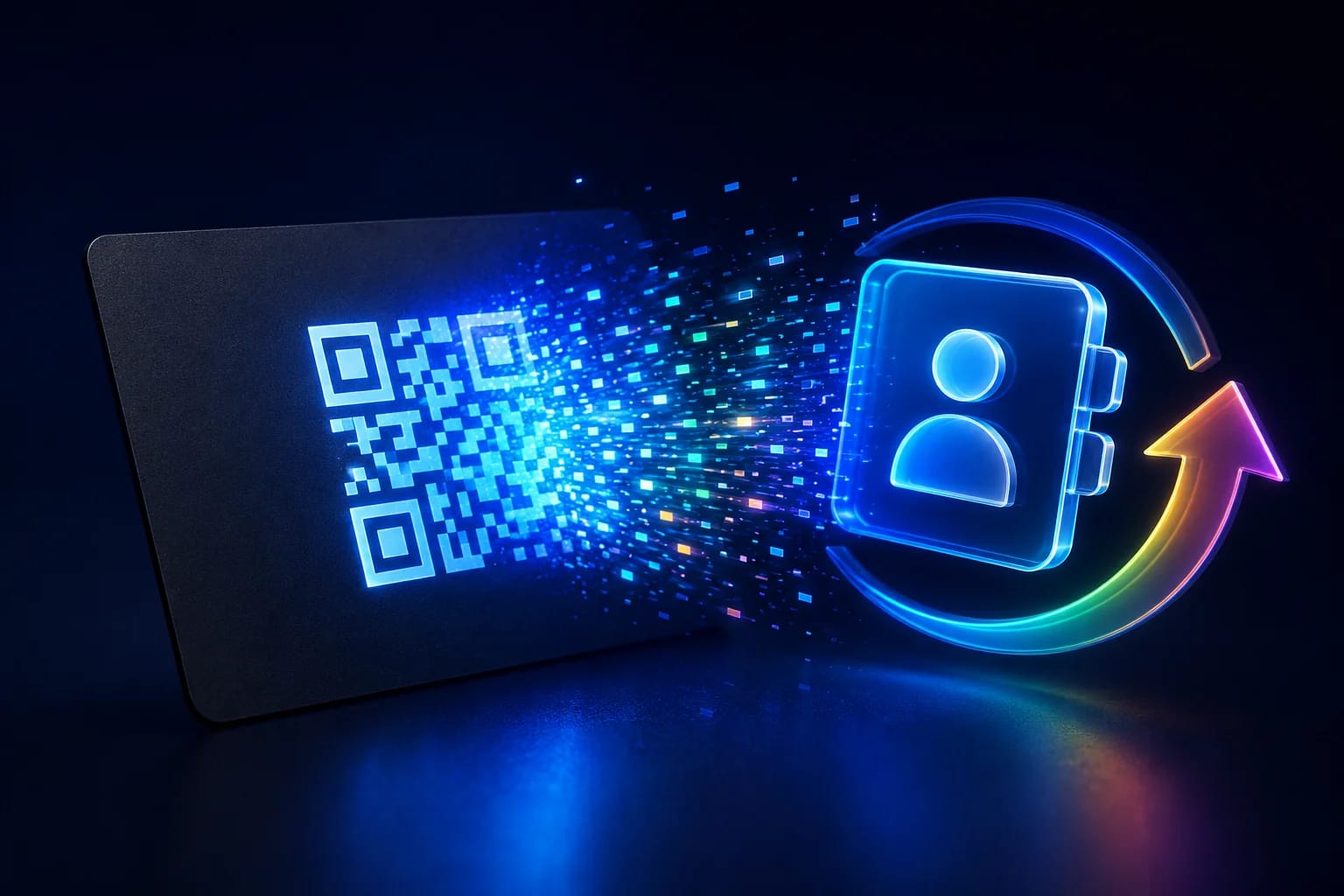
A digital business card QR code is a scannable code that instantly saves your name, job title, phone number, email, and website straight into someone's phone contacts — no typing, no lost paper card. You encode your details as a vCard once, add the code to your printed card, email signature, or badge, and anyone who scans it can save you as a contact in a single tap. This guide explains how these codes work, why a dynamic vCard code is worth it when your details change, and how to design one that people actually scan.
Key takeaways
- A digital business card QR code stores your contact details as a vCard so people save you with one scan instead of typing anything.
- Static vCard codes lock your details into the code, so any change means printing a brand-new card.
- A dynamic code points to a contact page you control, so you can update your title, number, or links without reprinting.
- Dynamic codes also show you scan counts, so you can see which events, cards, or signatures actually generate contacts.
- Place the code on printed cards, email signatures, badges, and storefronts with a short prompt like "Scan to save my contact."
What is a digital business card QR code?
A digital business card QR code is a code that carries your professional contact information in the vCard format — the standard file type phones use to add someone to their address book. When a person scans it with their camera, their phone reads the encoded fields (name, company, role, phone, email, website, address) and offers to save them as a new contact instantly. Instead of handing over a paper card that gets tossed in a drawer, you share a code that puts you directly into someone's phone, where they can call, email, or message you later with a single tap.
How does a vCard QR code actually work?
It works by encoding a small text file, not a link to one, in the static version. The vCard format packs your details into structured fields, and the QR code stores that text. A phone camera decodes it, recognises the vCard structure, and pops up a "Add to Contacts" prompt. A dynamic version works differently: the code holds a short link you own, and that link opens a hosted contact page or serves the vCard file on request. That extra layer is what lets you change your information later — the printed code stays the same while the details behind it update.
Which vCard version should the code use?
This is the compatibility question behind most "the code scanned but the contact looked wrong" complaints, and the honest answer is counter-intuitive: the newer standard is often the worse choice.
The current specification is vCard 4.0, published as RFC 6350. It requires exactly two properties — VERSION and FN (the formatted name) — and mandates that VERSION appear immediately after BEGIN:VCARD (IETF, RFC 6350). Everything else, including the phone number and email you actually care about, is optional as far as the standard is concerned.
In practice most QR generators still emit vCard 3.0, and they are right to. Phone contact apps have had two decades to get 3.0 right; 4.0 support is uneven, and the failure mode is silent — a field the app does not recognise is dropped without warning rather than flagged. A card that arrives with the name and phone intact but the job title missing is a 4.0 problem far more often than a 3.0 one.
The practical rule: use 3.0 unless you have a specific reason not to, and always scan your own code with both an iPhone and an Android device before printing. What you are checking is not whether it scans — it will — but whether every field survived the trip.
Should you use a static or dynamic business card QR code?
It comes down to whether your details will ever change and whether you want to measure results. A static code is fine for information that never moves, but most people switch roles, phone numbers, or companies over time — and every change forces a reprint. A dynamic code future-proofs your card. If you're new to the difference, our guide to the dynamic QR code explains how editable, trackable codes work in detail.
| Factor | Static vCard code | Dynamic vCard code |
|---|---|---|
| Updating details | Requires a brand-new code | Edit the page, same code |
| Scan analytics | None | See scans by card, event, or channel |
| Extra links | Contact fields only | Add portfolio, socials, booking link |
| Best for | Fixed, one-off details | Professionals, teams, events |
How do you create a digital business card QR code, step by step?
You can build a working vCard code in just a few minutes. Here's the process from start to finish:
- Collect your details. Decide exactly which fields to include — full name, title, company, phone, email, website, and any social or booking links.
- Choose static or dynamic. Pick dynamic if your role or number might change, or if you want to see how many people scan.
- Generate and brand the code. Enter your information, then style the code with your logo, brand colors, and a frame so it looks professional.
- Test on real phones. Scan with both an iPhone and an Android device and confirm the contact saves cleanly with every field intact.
- Add it everywhere. Put the code on your printed card, email signature, event badge, and website.
- Update when needed. With a dynamic code, change your details anytime and every printed card keeps working.
What belongs on the card, and what does not?
A vCard QR code is a contact record you hand to a stranger, and the temptation is to include everything. Restraint works better, for two reasons: capacity and consequence.
Capacity. Every field makes the pattern denser. A card carrying name, title, company, two phone numbers, an email, a full postal address and a photo produces a code that needs to be printed large and lit well to scan reliably — on a business card, that is exactly the space you do not have. Name, one phone number, one email and a link to your profile covers the overwhelming majority of real use.
Consequence. A printed vCard cannot be recalled. A home address or a personal mobile encoded into five hundred cards is five hundred copies you cannot take back, sitting in wallets and desk drawers indefinitely. That is a reasonable trade for a work mobile; it is rarely a reasonable trade for anything personal.
The pattern that avoids both problems is to encode a minimal card plus a link to a page you control. The scan gives the essentials immediately, and the page carries the rest — updatable, revocable, and as detailed as you like without touching the printed code.
Where should you put your business card QR code?
- On the back of a printed card. Leave a clear quiet zone so cameras lock on fast, and keep the front for your name and logo.
- In your email signature. A small code lets every recipient save your contact without hunting for your details.
- On event badges and lanyards. At conferences, a scan is faster than swapping cards and works even when someone's hands are full.
- On storefront windows and desks. Let walk-in visitors save your business contact or sales rep in one scan.
- Add a short call to action. "Scan to save my contact" earns far more scans than a bare code with no prompt.
Business cards are the hardest surface for a QR code, because the code competes with everything else for a space about the size of a stamp. Two numbers from the barcode standard set the floor. The quiet zone — the blank margin around the pattern — must be at least four times the module width on every side; designers routinely lose this to a bleed edge or a logo, and the code fails for reasons that look like bad luck. And error correction is a trade: the four levels recover roughly 7%, 15%, 25% and 30% of a damaged code, but each step up consumes capacity (GS1, 2D barcodes at retail point-of-sale). On a card, a dense vCard at level H can end up genuinely unscannable — another argument for encoding less.
Why do sales teams and event staff prefer dynamic vCard codes?
Because a dynamic code turns a static introduction into a measurable channel. When each team member's code points to a page you control, you can update a whole team's details centrally, swap a rep mid-campaign, or add a booking link before a big event — without reissuing a single card. You also see which touchpoints drive contacts: a code at a trade-show booth, one in an email signature, and one on a storefront can each be tracked separately. That same contactless, on-brand experience pairs naturally with other scannable touchpoints, like the WiFi QR code many venues already display for guests.
Will a vCard QR code work on every phone?
Most phones from the last several years read vCard codes directly from the built-in camera app and show an "Add to Contacts" prompt right away. Some older Android devices need a free QR reader or the camera's QR mode switched on, and a few strictly managed work phones limit what they save. To keep things smooth, it helps to keep your contact page or vCard clean and lightweight, and to print your name and role in small text near the code so the card still communicates who you are even before anyone scans.
Is a digital business card QR code good for privacy?
It can be, as long as you control what you share and where the data lives. You decide exactly which fields go into the vCard, so you can share a work email and business number while keeping personal details out. A dynamic code hosted on a privacy-conscious, GDPR-compliant platform gives you transparent, aggregate scan counts without exposing who scanned you, and lets you revoke or change what a code points to at any time. That balance — useful analytics without invasive tracking — is exactly what a responsible contact-sharing setup should offer.
Frequently asked questions
Can I make a digital business card QR code for free?
Yes — generating a basic static vCard code is typically free. You only need an account with a QR platform if you want a dynamic code you can edit later, custom branding, or scan analytics.
What happens if I change jobs or phone numbers?
A static code stops being accurate and must be regenerated and reprinted. A dynamic code keeps working: you update the details behind it once, and every card, badge, and signature already in circulation shows the new information.
Do people need an app to scan my business card code?
Usually not. Most modern iPhones and Android phones read the code straight from the camera app and offer to save your contact. Only some older devices need a free QR reader or the camera's QR setting turned on.
Why does my vCard QR code drop some fields when scanned?
Usually a version mismatch. Most contact apps handle vCard 3.0 completely and vCard 4.0 partially, and unrecognised fields are discarded silently rather than reported. If a field goes missing, generate the code as 3.0 and test again on both platforms before concluding the data is wrong.
Can I put my vCard QR code on a printed card and still change my phone number later?
Not with a static code — the number is in the pattern. A dynamic code solves it by encoding a short redirect to a contact page you control, so a new number takes effect everywhere the old card is still in a wallet. The trade is that scanning then needs a connection, whereas a static vCard imports offline.
How much information can one vCard QR code hold?
Enough for a full contact record, but not comfortably. The limit is roughly 2,900 bytes in the best case, and long before you reach it the pattern becomes too dense to scan reliably at business-card size. Treat 300 to 500 characters as the practical ceiling and put anything longer behind a link.
Create your digital business card QR code with QRiety
QRiety lets you build a dynamic vCard QR code, brand it with your logo and colors, and update your contact details anytime without reprinting a single card — plus real-time analytics so you can see exactly which cards and events generate the most contacts. Start free and turn every introduction into a saved contact.