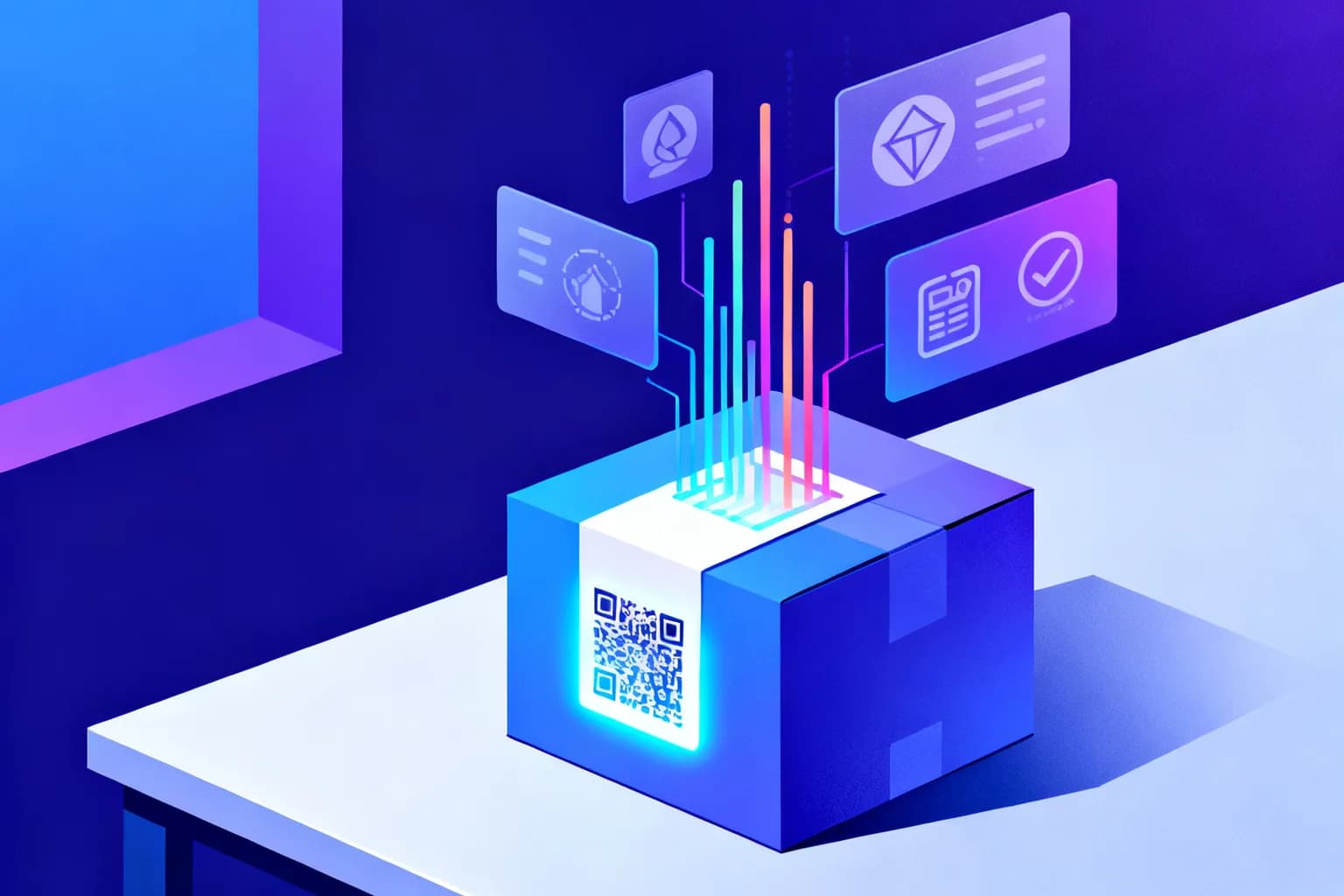
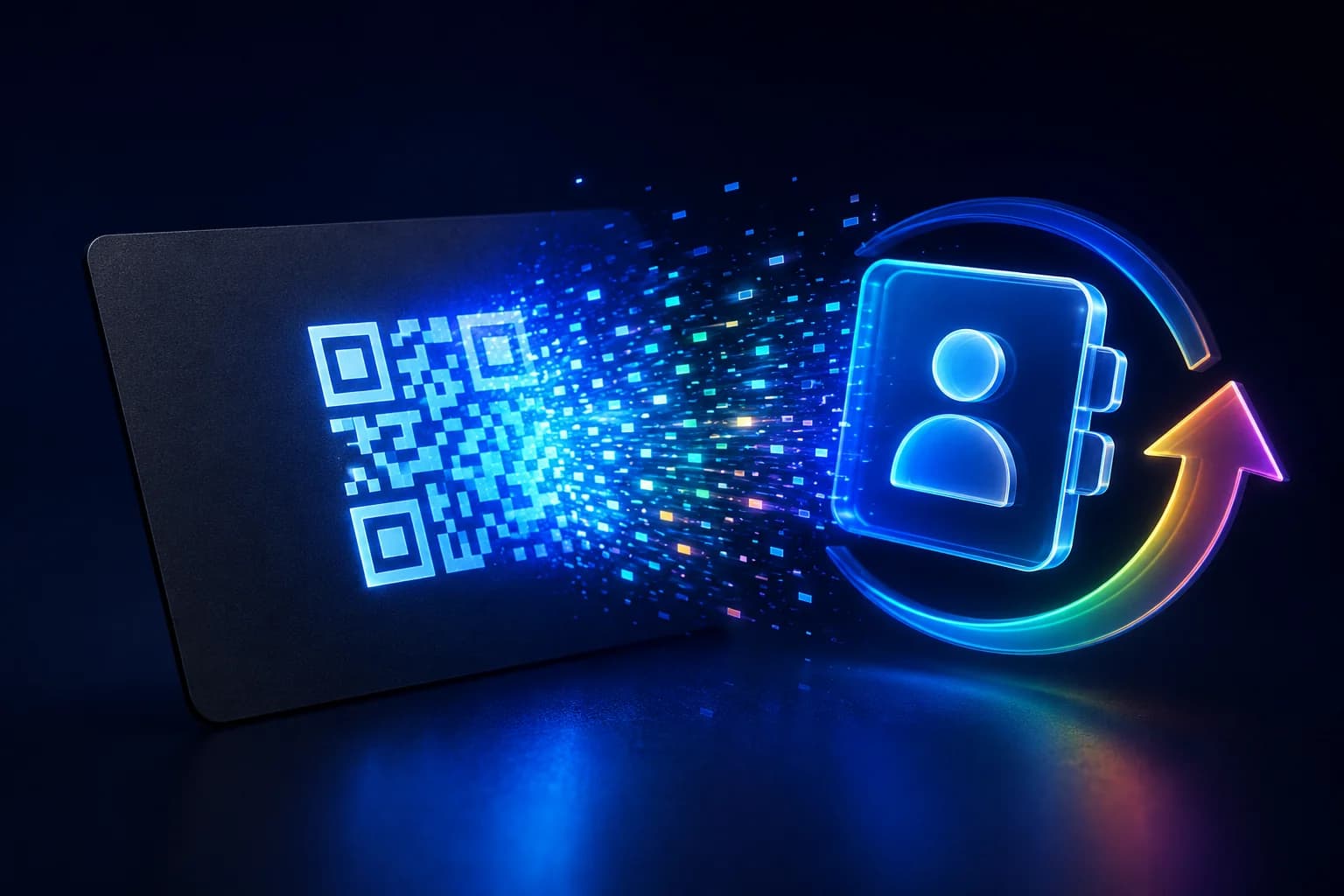
A dynamic QR code is a QR code whose destination you can change at any time — even after it's printed — while also tracking every scan. You create one by generating the code inside a QR platform, pointing it at a short redirect URL, and editing that destination whenever you need to. That single capability is what separates a marketing asset you can manage from a static image you're stuck with forever.
Key takeaways
- A dynamic QR code stores a short redirect URL, so you can edit the destination and read scan analytics without reprinting.
- A static QR code encodes the data directly and can never be changed once created.
- Creating one takes minutes: choose a type, add your destination, customize, download, and print.
- Dynamic codes unlock tracking (scans, location, device, time) and use cases from restaurant menus to event tickets.
- Print at the right size (the 10:1 rule) and keep a quiet zone so every scan works the first time.
What is a dynamic QR code?
A dynamic QR code does not contain your final content. Instead, it encodes a short URL that redirects the scanner to wherever you point it. Because the printed pattern only ever holds that short link, you can swap the underlying destination — a menu, a landing page, a contact card — as often as you like, and the same code keeps working.
This indirection is also what makes measurement possible. Every scan passes through the redirect first, so the platform can record how many people scanned, roughly where they were, what device they used, and when. A static code, by contrast, sends the phone straight to the encoded data with nothing in between — fast and offline-friendly, but invisible and permanent.
The redirect is also why dynamic codes have become the default in retail and packaging rather than a nice-to-have. GS1, the body behind the barcode standards used on nearly every retail product, has set 2027 as the milestone by which retail point-of-sale systems worldwide should be able to read 2D barcodes — QR codes among them — alongside the traditional linear barcode. Worth being precise here, because it is widely misreported: GS1 frames Sunrise 2027 as industry readiness, not a hard compliance deadline, and states plainly that 1D and 2D codes are expected to coexist rather than one replacing the other (GS1 US, Sunrise 2027).
Dynamic vs. static QR codes: what's the difference?
The practical difference comes down to two questions: Will the destination ever change? and Do you need to know how it performs? If the answer to either is yes, you want a dynamic code.
| Feature | Static QR code | Dynamic QR code |
|---|---|---|
| Editable after printing | No | Yes |
| Scan tracking & analytics | No | Yes |
| Pattern density | Higher (harder to scan when small) | Lower (easier to scan) |
| Works offline at scan time | Yes | Needs a redirect (online) |
| Best for | One-off, fixed data | Marketing, operations, anything you'll update |
How do you create a dynamic QR code?
The exact buttons differ between platforms, but the workflow is the same everywhere:
- Pick a QR platform that supports dynamic codes. You need an account so the code can be linked to an editable destination and a tracking dashboard.
- Choose the content type. Website URL, PDF, vCard, WiFi, menu — the type shapes the form you fill in.
- Enter your destination. Paste the URL or upload the file the code should resolve to.
- Customize the design. Add your logo, brand colors, and a frame with a call to action like “Scan for menu.” Keep enough contrast for reliable scanning.
- Test, then download. Scan it with two or three phones, then export a high-resolution file — vector (SVG/EPS) for print, PNG for screens.
- Print and place it. Put it where people have a reason and a moment to scan.
Because the code is dynamic, you can come back later and change the destination — no reprint required.
What can you do with dynamic QR codes?
Dynamic codes shine anywhere physical meets digital. The most popular use cases include:
- Restaurant menus — update prices and dishes without reprinting, and even show a different menu by time of day.
- Guest WiFi — let visitors connect by scanning instead of typing a long password.
- Digital business cards (vCard) — share contact details that you can update once and keep current everywhere.
- Google reviews — point customers straight to your review page to collect more ratings.
- Product packaging — link to instructions, authenticity checks, sustainability information, or reordering.
- Event tickets — unique, server-validated codes speed up check-in and reduce fraud.
- Real estate signs — send buyers from a yard sign to the full listing or a virtual tour.
What ties these together is editability and measurement: you print once and improve forever.
When should you not use a dynamic QR code?
Most guides on this topic sell dynamic codes, so they rarely mention the cases where a static code is the better engineering decision. There are three.
The destination will never change and never needs measuring. A WiFi code for your home network, a plain-text label, a vCard for a one-off event badge — encoding the data directly is simpler, free forever, and has no moving parts.
The code must work without a network at scan time. A static code hands the phone its payload immediately. A dynamic code has to resolve a redirect, which means a working connection at the moment of the scan. For a WiFi join code — the very thing someone scans because they have no connection yet — a dynamic code is the wrong tool.
The code will outlive any subscription you are willing to maintain. This is the one that catches people. A dynamic code is only as permanent as the redirect behind it, which brings us to the question almost nobody asks before printing ten thousand of them.
What happens if the QR platform shuts down?
A static code is a photograph of your data: it works for as long as the destination exists, with no company in the middle. A dynamic code is a lease. If the platform hosting your redirect disappears, changes its pricing beyond what you will pay, or simply deletes inactive codes, every printed copy stops working at once — and there is nothing you can do to the printed pattern to fix it.
This is not an argument against dynamic codes. It is an argument for choosing where the redirect lives with the same care you would apply to a domain name. Three questions worth asking any provider before a large print run:
- What happens to my codes if I stop paying? Some providers keep redirects alive on a free tier; others deactivate them. The honest answer to this question tells you a great deal.
- Can I export my codes and their destinations? If the mapping between code and destination is locked inside a dashboard you cannot export, migrating later means reprinting.
- Can the redirect run on my own domain? A code pointing at your domain can be repointed by you, forever, even if you change providers. A code pointing at the provider's domain cannot.
For codes going onto packaging, equipment labels or signage — anything with a life measured in years — that third question is the difference between an asset and a dependency.
How does QR code tracking work?
Each scan is logged as it passes through the redirect, so a good analytics dashboard shows you total scans over time, approximate location (country, region, city), device and operating system, and the time of each scan. Used well, that data tells you which placement, channel, or campaign actually drives engagement — and lets you A/B test by sending two codes to two destinations and comparing results.
What a scan record can and cannot tell you is worth being precise about, because it is routinely oversold. A redirect sees the request that reaches it: the time, the user agent string the browser sends, the referrer if there is one, and an IP address from which an approximate location can be derived. That yields device type, operating system, browser, country and usually city.
It does not yield identity. A scan is not a person — the same visitor scanning twice from two devices is two records, and two colleagues on the same office network can resolve to one location. Treat scan counts as a measure of interest over time, not a headcount. Comparing this week to last week on the same code tells you something real; comparing raw totals between two codes printed in different places usually does not.
Are dynamic QR codes safe and privacy-friendly?
QR codes themselves are just an encoding — the safety depends on where they point and how scan data is handled. A trustworthy platform should be transparent about analytics, avoid storing unnecessary personal data, and, for European audiences, support GDPR-compliant processing (for example, hashing or anonymizing IP addresses). As a rule, only scan codes from sources you trust, and as a publisher, use a provider that treats scan data responsibly.
How much does a dynamic QR code cost?
Pricing in this category is unusually opaque, and the reason is that vendors price the same thing three different ways. Knowing which model you are buying matters more than the headline number.
Per code. You pay for a number of active dynamic codes — 3, 25, unlimited. Predictable, and the model to prefer if you print a fixed set and keep them alive for years.
Per scan. You pay for traffic. Cheap while nobody scans, expensive precisely when a campaign works. Read the overage terms carefully: the failure mode is a code going dark mid-campaign because a threshold was crossed on a weekend.
Per feature. The code is cheap but analytics, logo embedding or bulk creation sit behind separate tiers. Common, and the reason two "$5 plans" can differ by an order of magnitude in what they actually do.
A fourth cost is rarely on the pricing page at all: what happens to printed codes when you stop paying. A plan that deactivates redirects on cancellation is not really selling you a code — it is renting you one, and the printed material becomes worthless the day you leave. Ask before you print, not after.
Static codes sidestep all of this. They are free everywhere, unlimited, and permanent, because there is no server in the middle to pay for. The moment you need editability or measurement, you are buying a redirect and its uptime — which is the thing worth comparing.
How big should you print a QR code?
Use the 10:1 rule: the code's width should be at least one tenth of the expected scanning distance. If people scan from about 60 cm away, print the code at roughly 6 cm. The practical minimum for close-range materials like business cards or flyers is about 2 × 2 cm. Always leave a quiet zone — a clear margin around the code — and prefer vector files (SVG/EPS) so the code stays crisp at any size.
The 10:1 rule covers distance, but two other numbers decide whether a code scans at all, and both come from the standard rather than folklore. The quiet zone — the empty margin around the pattern — must be at least four times the module width on all four sides; crowd it with a border or a logo and readers start failing before the size is even the problem. And error correction is a trade, not a free upgrade: the four levels recover roughly 7%, 15%, 25% and 30% of a damaged code, but each step up consumes capacity that would otherwise hold your data (GS1, 2D barcodes at retail point-of-sale).
Frequently asked questions
Do dynamic QR codes expire?
The code itself doesn't expire, but the destination depends on your account staying active with your provider. Choose a platform you intend to keep using so your printed codes keep resolving.
Can I turn a static QR code into a dynamic one?
Not in place — a static code's data is fixed. You create a new dynamic code and replace the old one going forward.
Can I change the design without breaking the code?
Yes. Colors, logo, and frame are cosmetic. As long as you keep strong contrast and the quiet zone, the code still scans.
What is the difference between a dynamic QR code and a short link?
Technically very little — a dynamic QR code is a short link with a scannable image attached. The difference is in what gets measured and how the code is used. A short link is clicked, usually from a screen; a QR code is scanned, usually from a printed surface, which means the analytics tell you about physical placement rather than digital referral. Most platforms, including this one, treat them as two faces of the same redirect.
Do dynamic QR codes work offline?
The scan itself works offline — the phone reads the pattern and extracts the short URL without any network. Opening the destination does not: the redirect has to be resolved, which needs a connection. For anything scanned in a place with unreliable signal, or for a WiFi join code, a static code is the safer choice.
How many scans can one dynamic QR code handle?
The code itself has no limit; the limit comes from your plan. It is worth checking what happens when you cross it, because providers differ sharply: some throttle, some charge overage, and some stop redirecting entirely — which means a printed code that silently stops working. On QRiety the free plan includes 10,000 scans per month and paid plans are unlimited, so a code never goes dark because of traffic.
Create your first dynamic QR code with QRiety
If you want editable destinations, real-time scan analytics, custom branding, and privacy-friendly tracking in one place, that's exactly what QRiety is built for. Create a dynamic QR code in minutes, measure every scan, and update where it points whenever your campaign changes — without ever reprinting. Start free and generate your first dynamic QR code today.