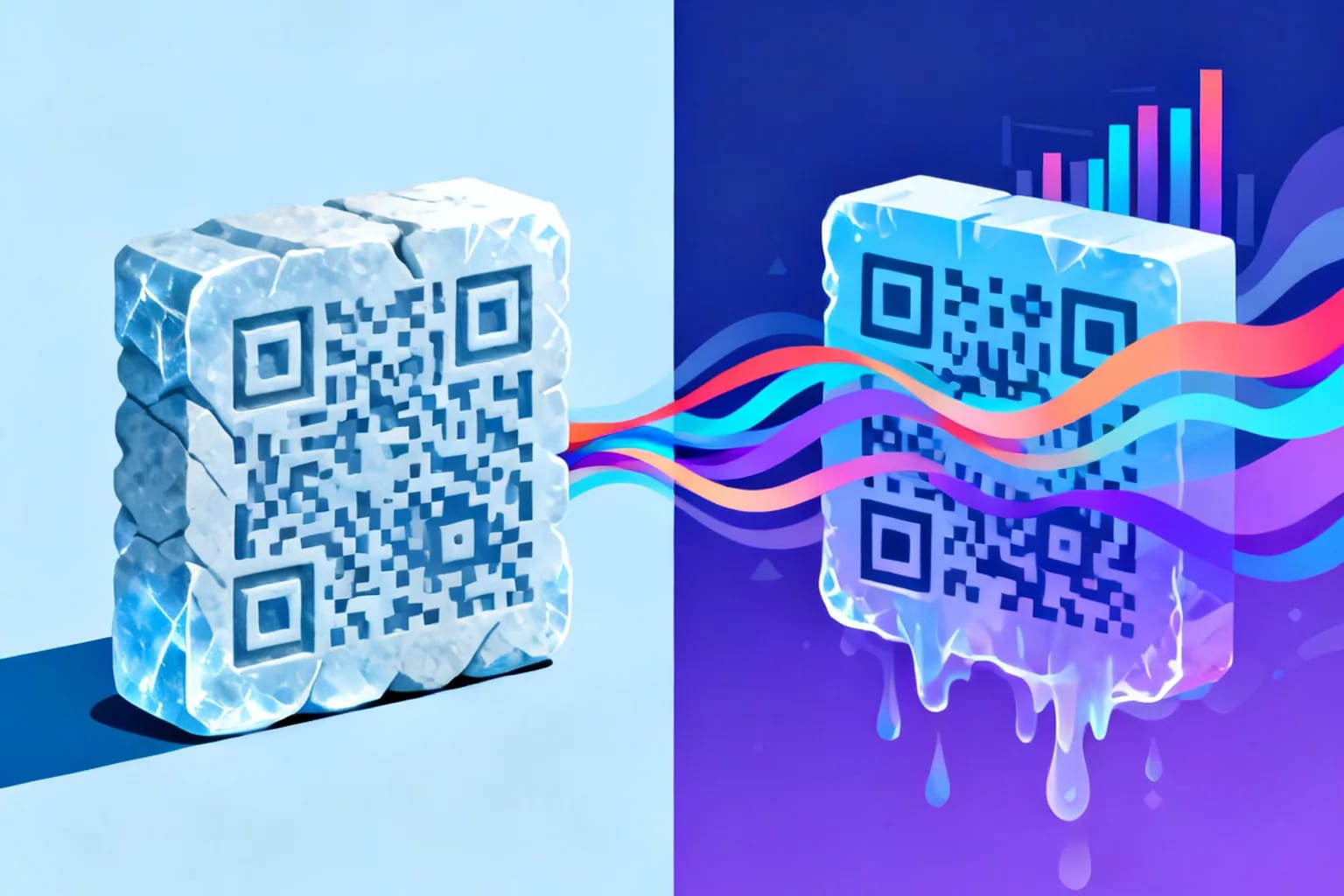
A static QR code stores its content directly in the pattern, so it can never be changed after printing and cannot report how often it is scanned. A dynamic QR code stores a short redirect link instead, so you can change the destination at any time and measure every scan without reprinting anything. Both look the same to a phone camera and open just as fast. The practical rule is simple: if the content is permanent and private, such as a WiFi password or a plain text note, static is enough. If the code goes on printed material that will live for months, points to a web page, or needs to prove its value in numbers, choose dynamic.
Key takeaways
- A static QR code encodes the final content itself, so its destination is fixed forever once printed.
- A dynamic QR code encodes a short link that redirects, so you can edit the target and track scans later.
- Static codes suit permanent, offline content such as WiFi credentials, contact cards and serial numbers.
- Dynamic codes suit print campaigns, packaging, menus and anything you want to measure or update.
- Dynamic codes usually need fewer modules, which makes small printed codes easier to scan.
- The trade-off of dynamic codes is a dependency on the redirect service staying online.
What is the difference between a static and a dynamic QR code?
The difference is where the information lives. In a static QR code, the information lives inside the black and white squares. In a dynamic QR code, the squares only hold a short address, and the information lives on a server that the address points to.
That one design decision drives everything else. Because a static code is self-contained, it works without an internet connection when the content is offline data, it never expires, and nobody stands between the person scanning and the content. Because a dynamic code passes through a redirect, someone can update where it goes, record that a scan happened, and switch the code off if it is ever misused.
Neither type is better in general, and many businesses use both: static for the guest WiFi card, dynamic for the flyer in the window. If you want the full walkthrough of building one, the dynamic QR code guide covers every setting step by step.
How does a static QR code work?
A static QR code is a direct translation of your content into a two-dimensional pattern defined by the ISO/IEC 18004 standard, originally developed by Denso Wave in 1994. When you type a URL, a phone number or a WiFi password into a generator, the generator converts those characters into modules (the small squares), adds error correction, and draws the result. The phone camera simply reverses the process.
Three properties follow from this:
- The content is frozen. Changing a single character produces a completely different pattern. A typo on 5,000 printed brochures means 5,000 wrong codes.
- More content means a denser code. QR codes range from version 1 (21 × 21 modules) to version 40 (177 × 177 modules). A long URL with tracking parameters can push a code into a higher version, with smaller modules that are harder to read from a distance or on curved surfaces.
- There is no record of scans. The phone reads the content and acts on it. Nothing in between knows that a scan happened.
The upside is independence: a static WiFi code keeps working in ten years even if the tool that generated it is gone.
How does a dynamic QR code work?
A dynamic QR code contains a short link, for example a short path on the provider's domain, instead of your final destination. When someone scans it, the phone opens that short link, the server looks up the current destination, records the scan, and forwards the visitor in a fraction of a second. To the person scanning, it feels identical to a static code.
Because the destination is stored on the server, you can edit it from a dashboard at any time. The printed pattern stays the same, because the short link inside it never changes. This is what makes a dynamic code editable after printing.
The redirect step is also where measurement happens. A typical dynamic setup records:
- The time and date of each scan.
- The approximate location, usually country, region and city derived from the IP address.
- The device type, operating system and browser.
- The referrer or source, when one is available.
Dynamic codes can also carry controls that a static code cannot have, such as password protection, an expiry date or a maximum number of scans. Those controls only work because a server answers every scan before the visitor reaches the content.
How do static and dynamic QR codes compare side by side?
| Question | Static QR code | Dynamic QR code |
|---|---|---|
| Can you change the destination after printing? | No, you must reprint | Yes, from a dashboard |
| Can you count and analyze scans? | No, only indirectly via your website analytics | Yes, time, location, device and source |
| Does it work offline? | Yes, for offline data such as WiFi or text | No, the redirect needs a connection |
| Pattern density | Grows with the length of the content | Stays low because the link is short |
| Dependency on a provider | None | Needs the redirect service to stay online |
| Password, expiry and scan limits | Not possible | Possible |
| Best for | Permanent, private, offline content | Marketing, print runs, packaging, menus |
One row deserves extra attention: pattern density. A dynamic code holds only a short link, so it usually needs fewer modules than a static code carrying a long URL. Fewer modules means each module can be printed larger at the same overall size, which helps on business cards, product labels and anything scanned in poor light.
When is a static QR code the right choice?
Static codes are the right tool whenever the content is fixed and does not need a web page in between. Typical examples:
- WiFi access. A WiFi QR code holds the network name, encryption type and password in a standard format. The phone reads those fields and joins the network directly, so there is nothing to redirect. Our guide to the guest WiFi QR code shows how to set one up for a café or office.
- Contact details for offline use. A vCard encoded directly lets someone save your number even without signal, which is useful at trade fairs in crowded halls.
- Internal labels. Asset tags, serial numbers and warehouse bins rarely change and do not need analytics.
- Private information. If you do not want any server to know a scan happened, a static code is the cleanest option.
There is also a middle path for simple web links. If you print a static code that points to a URL with campaign parameters added, your own website analytics can count the visits it sends. You still cannot fix a broken link or change the page later, and you will not see scans that never reached the site, but for a one-off event with a fixed landing page this can be enough.
When should you choose a dynamic QR code?
Choose dynamic whenever the code is printed in volume, stays in circulation for a long time, or has to justify its cost. Restaurant menus change with the seasons. Posters stay on walls long after a campaign ends. Packaging is printed months before it reaches a shelf, and the page behind it may need to change for a recall, a new recipe or a new language.
Packaging is a good example of how much is at stake. In a June 2025 consumer survey, GS1 US found that 66% of U.S. adults would scan a QR code on food packaging to see details such as freshness, ingredients and shelf life. A code printed on millions of units should never be locked to one URL.
The same logic applies to labels, which we cover in detail in the guide to QR codes on product packaging. Other strong use cases for dynamic codes include:
- Flyers, posters and direct mail where you want to compare which placement brings the most scans.
- Menus, price lists and event schedules that change regularly.
- Review requests and feedback forms where the target platform might change.
A useful test: imagine the code has already been printed 1,000 times. If changing its destination would cost you money or embarrassment, it should be dynamic.
Are dynamic QR codes safe, and what about privacy?
A QR code itself cannot contain malware. The risk is always the destination, and that risk is growing. The Barracuda 2026 Email Threats Report, based on more than 3.1 billion emails analyzed in January 2026, found that 70% of malicious PDF attachments contained QR codes linking to phishing websites. Attackers rely on the fact that people trust a code they cannot read.
Dynamic codes have a structural advantage here: the owner can switch a compromised code off or point it to a safe page within minutes, while a static code keeps sending people to the same place forever. To keep your codes trustworthy:
- Use a short link on a recognizable domain so the preview on the phone looks legitimate.
- Place the code where tampering would be noticed, and check public codes regularly for stickers pasted over them.
- Always send people to HTTPS pages.
On privacy, scan tracking is a form of web analytics, so treat it that way. Collect only what you need, mention it in your privacy notice, and prefer a provider that hosts data in the EU if your audience is European. Static codes remain the option for situations where no tracking is acceptable at all.
How do you create each type, step by step?
The process is almost identical; the real choice happens in step one.
- Pick the type. Choose static for permanent offline content, dynamic for anything printed in volume or worth measuring.
- Enter the content. For a URL, paste the full address. For WiFi or contact data, fill in the fields rather than typing the raw format.
- Customize carefully. Brand colors and a logo are fine, but keep strong contrast with a dark pattern on a light background and leave a quiet zone of at least four modules around the code.
- Choose error correction. Level M (about 15% recovery) suits most uses. Use level H (about 30%) if you place a logo in the middle.
- Test before printing. Scan with at least one iPhone and one Android phone, at the real size and from the real distance.
- Export in vector format for print. SVG or PDF stays sharp at any size, while PNG is fine for screens.
You can try the first steps right here with a simple link code.
What mistakes do people make when choosing between them?
The most expensive mistake is printing a static code for something that will change. A restaurant that prints a static code linking to a PDF menu has to reprint every table card when the PDF moves. A dynamic code would have needed one edit in a dashboard.
The second mistake runs the other way: using a dynamic code where it adds nothing. A WiFi card at reception gains nothing from a redirect, and it adds a dependency. Keep static codes for static jobs.
Other common problems:
- Testing only on screen. A code that scans on a monitor may fail on glossy paper, a curved bottle or under warm restaurant light.
- Printing too small. As a rough guide, the code should be about one tenth of the scanning distance wide, so roughly 2 cm for a phone held 20 cm away.
- Losing access to the account. A dynamic code is only as durable as your access to the platform that manages it, so register it under a shared company email, not a personal one.
Frequently asked questions
Can I convert a static QR code into a dynamic one?
No. The content of a static code is part of the printed pattern, so it cannot be changed. You need to create a new dynamic code and replace the printed version, ideally the next time the material is reprinted.
Do dynamic QR codes expire?
A dynamic code keeps working as long as the redirect service is active and the code is enabled in your account. You can also set an expiry date on purpose, for example for a limited-time offer that should stop after a campaign.
Is a dynamic QR code slower to scan?
Not in any way a person would notice. The redirect adds a very short server step, and because the encoded link is short, the pattern is often simpler and faster to read than a static code with a long URL.
Create static and dynamic QR codes with QRiety
QRiety lets you create static codes for permanent content and dynamic codes you can edit and measure after printing, all from one dashboard. Each scan shows time, location, device and source, and you can add password protection, expiry dates or scan limits whenever you need them. The platform is developed by an EU-based team, and you can start on the free plan. Create your first QR code for free.