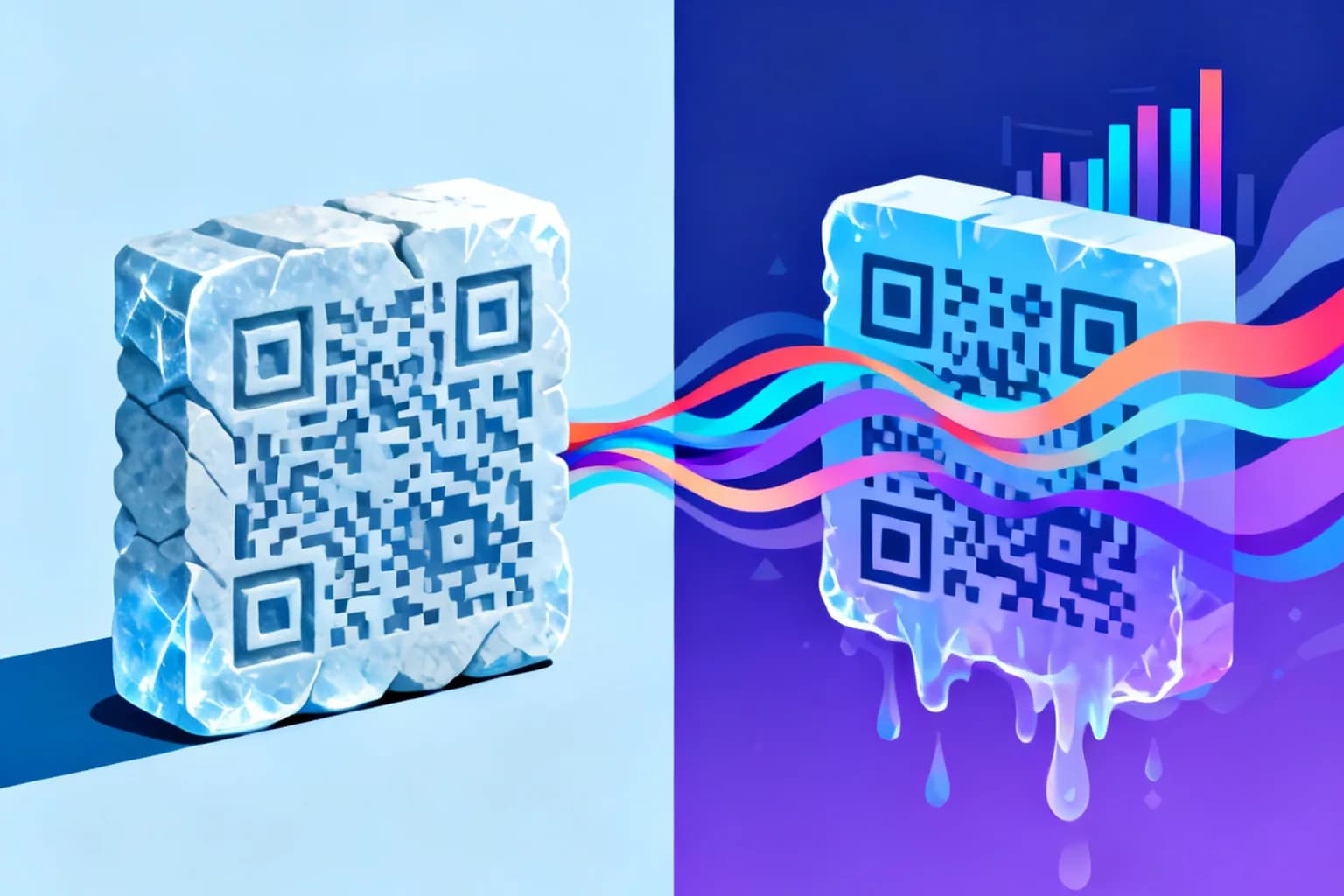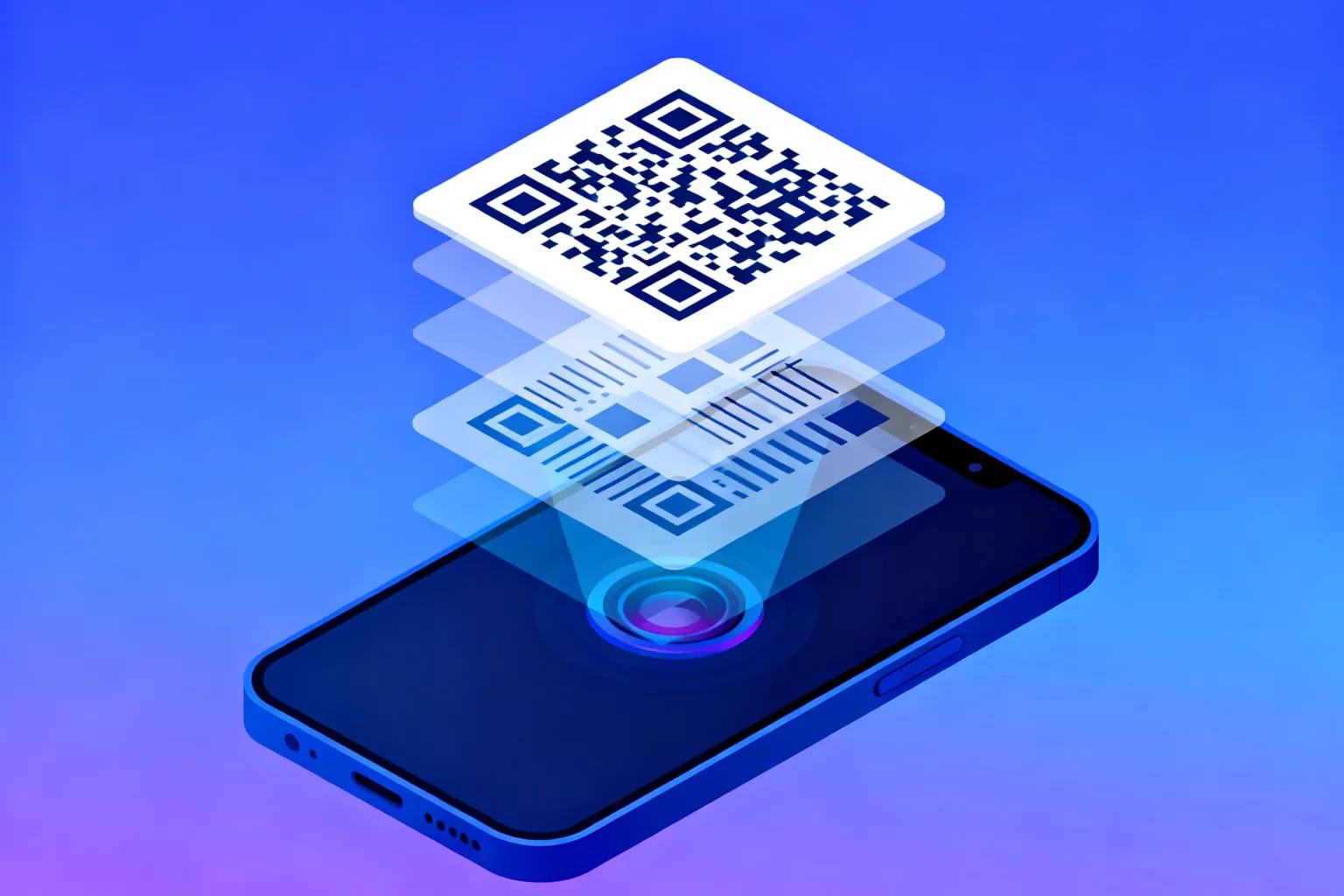
A QR code works by turning text, usually a web address, into a grid of black and white squares called modules that a camera can read in any direction. Three large corner squares tell the phone where the code is and how it is rotated, a fixed set of smaller patterns maps the grid, and the remaining modules carry your data plus extra error-correction bytes that let the code scan even when part of it is dirty or covered. Your phone photographs the grid, straightens it, reads each module as a 1 or a 0, repairs any damage with math, and hands you the result: a link, a WiFi login or a contact card. None of it needs an internet connection until you open the result.
Key takeaways
- A QR code is a two-dimensional barcode that stores data both horizontally and vertically, which is why it holds far more than a classic linear barcode.
- Three finder patterns in the corners let a camera locate the code and correct its rotation and angle before reading anything.
- Reed-Solomon error correction lets a code survive up to roughly 30 percent damage, depending on the level chosen when it is generated.
- A static code stores its content directly in the pattern, while a dynamic code stores a short link that a server redirects, so its destination can change after printing.
- Scanning only decodes text; nothing happens until you open the result.
What is a QR code, and why is it replacing the classic barcode?
QR stands for Quick Response. Denso Wave developed the format in 1994 to track car parts faster than linear barcodes allowed. A linear barcode stores information in one direction only, as the widths of vertical bars, and typically holds a product number of 12 or 13 digits. A QR code stores information in two directions, so the same area can carry several thousand characters.
The format is defined in the international standard ISO/IEC 18004, and anyone can generate or read QR codes without paying a license fee. That openness is why the format spread from factory floors to menus, tickets and payment terminals.
Packaging is the next big shift. Retailers and brands working with GS1, the organization behind the barcode on almost every product, have set a target for checkout systems to read 2D codes by the end of 2027. Shoppers already seem ready for it. A GS1 US survey published in June 2025 found that 66 percent of 1,007 US adults would scan a QR code on food packaging to see details such as freshness, ingredients and shelf life.
What are the parts of a QR code, and what does each one do?
A QR code looks random, but much of it is fixed structure. Only the remaining modules hold your content.
| Element | Where it sits | What it does |
|---|---|---|
| Finder patterns | Three corners: top left, top right, bottom left | Let the scanner find the code and work out its rotation |
| Timing patterns | Alternating dark and light lines between the finders | Tell the scanner how wide one module is so it can map the grid |
| Alignment patterns | Smaller squares inside the grid, from version 2 upward | Correct distortion when the code is photographed at an angle or on a curved surface |
| Format information | Next to the finder patterns | Stores the error-correction level and the mask pattern used |
| Version information | Near two finders, from version 7 upward | Tells the scanner the size of the grid in larger codes |
| Data and error-correction modules | Everything else | Carry your content plus the bytes used to repair damage |
| Quiet zone | The empty margin around the code | Separates the code from text, images or edges nearby |
The finder patterns are the clever part. Each one is a square in a square, and a straight line through its center always crosses dark and light modules in the ratio 1:1:3:1:1, whatever angle you look from. Scanners search an image for that ratio, which is why a phone can find a code in a cluttered photo almost instantly.
The quiet zone is the part people most often remove by accident. The standard asks for a margin four modules wide. Cropping a code tightly against a photo or colored box makes it harder for the scanner to tell where the code starts.
How does text become a pattern of black and white squares?
Generating a QR code follows a fixed recipe, which is why a code made by one tool scans in every camera app.
- Choose an encoding mode. Numeric for digits, alphanumeric for uppercase letters and a few symbols, byte for general text such as URLs, or kanji for Japanese characters.
- Convert the content into bits. The text becomes a long string of 1s and 0s, preceded by a short header that names the mode and the character count.
- Pick the smallest version that fits. QR codes come in 40 versions. Version 1 is a grid of 21 by 21 modules, and every version adds 4 modules per side, up to 177 by 177 for version 40.
- Add error-correction bytes. The data is split into blocks and each block gets extra bytes calculated with Reed-Solomon codes.
- Place the bits on the grid. Fixed patterns go in first, then data bits fill the rest in a zigzag from the bottom right corner.
- Apply a mask. The generator tests eight mask patterns that flip certain modules and keeps the one that is easiest to read.
- Write the format information. The error-correction level and mask number are stored next to the finder patterns.
The encoding mode explains why capacity figures vary so much. At version 40 with the lowest error correction, a code can hold up to 7,089 digits, 4,296 alphanumeric characters or 2,953 bytes of general text. In practice you never want to get close to those limits. A short URL produces a small, coarse grid that scans from across a room, while a long one produces a dense grid that needs a larger print size, as this QR code size guide for printing shows.
Type a short address into the generator below, then add a long string of parameters, and watch the grid grow denser.
How does error correction keep a damaged QR code readable?
Error correction is why a QR code still works with a coffee stain, a scratch or a logo in the middle. The generator adds redundant bytes calculated with Reed-Solomon codes, the same math used on CDs. When modules are misread, the scanner uses those bytes to calculate the missing data.
You choose how much redundancy to add when you create the code. There are four levels.
| Level | Approximate recoverable damage | Good fit for |
|---|---|---|
| L (Low) | About 7 percent | Clean screens and digital use where the code is never damaged |
| M (Medium) | About 15 percent | Most print jobs, such as flyers, menus and posters |
| Q (Quartile) | About 25 percent | Packaging, outdoor signs and surfaces that get handled |
| H (High) | About 30 percent | Codes with a logo in the center or in harsh conditions |
Higher levels are not free. Every extra correction byte takes space that data could have used, so the same URL needs a larger, denser grid at level H than at level L. A sensible default is level M for plain codes and level H only when you place a logo over the center, because the logo itself counts as damage the code has to recover from.
One limit is often overlooked: error correction rebuilds data modules, not finder patterns. Cover one of the three corner squares and many scanners will not find the code at all.
What happens in the second after you point your camera at a code?
iOS and Android read QR codes directly in the camera app. Behind that single tap, the software runs a short chain of steps.
- Locate. The camera feed is scanned for the 1:1:3:1:1 ratio of the three finder patterns.
- Straighten. The finder and alignment patterns reveal the angle, and the image is mapped onto a flat grid.
- Sample. The timing patterns reveal the module size, and each module is classified as dark or light.
- Read the format. The scanner reads the error-correction level and mask number, then removes the mask.
- Correct errors. Reed-Solomon decoding repairs misread modules, as long as the damage stays within the chosen level.
- Interpret the content. The decoded text is checked for known formats. A string starting with https becomes a link, a WIFI: string becomes a network login, and a BEGIN:VCARD block becomes a contact card.
Notice what is missing from that list. The scan itself does not contact any server. Your phone reads text from an image and offers an action. A network request happens only when you open the link, so a code in a basement with no signal still scans.
How do static and dynamic QR codes work differently?
Everything above applies to every QR code, but what the pattern contains differs in an important way. A static QR code stores the final content directly. If it holds a URL, that exact URL is baked into the modules, and changing it means generating and reprinting a new code.
A dynamic QR code stores a short link to a redirect service instead. When someone scans it, their phone opens the short link, the service records the scan and forwards the visitor to whatever destination is currently saved. The printed pattern never changes, but the destination behind it can be edited at any time. For a deeper side-by-side, see this comparison of static and dynamic QR codes.
The redirect step has two practical effects on how the code works. First, the stored text is short, so the grid stays small and coarse, which makes the code easier to scan from a distance or at a small print size. Second, the redirect is the point where scan data such as time, device type and approximate location can be counted. This guide explains how QR code scan tracking works in more detail. If you want to build one yourself, start with the step-by-step dynamic QR code guide.
Can a QR code be dangerous, and how do you check one before opening it?
A QR code cannot run software; it only contains text. The risk is where that text points, often a fake login or payment page, and a URL hidden in a pattern is harder to inspect than one in plain sight.
Attackers know this. According to the APWG Phishing Activity Trends Report for Q3 2025, the email security firm Mimecast detected 716,306 unique malicious QR codes in the third quarter of 2025, a 13 percent increase over the 635,672 it found in the second quarter. Sending a code by email is a common trick: it moves the reader from a work computer, where links are filtered, to a personal phone, where they often are not.
That is a reason for a habit, not for avoiding QR codes. Scanning is harmless; the decision point is the moment your phone shows the result:
- Read the preview. Phones display the decoded domain before opening it. Check that it matches the business you expect, letter by letter.
- Be wary of stickers. On parking meters, charging stations and posters, look for a code glued over the original one.
- Never enter credentials after a scan you did not expect. Open the official app or type the address yourself instead.
Frequently asked questions
Do QR codes need an internet connection to work?
No. Reading a QR code only requires a camera and decoding software on the phone. The content is stored in the pattern itself. An internet connection is needed only when the decoded content is a web link and you choose to open it.
Do QR codes expire?
The pattern itself never expires, because it is just printed data. A static code keeps working as long as its content remains valid. A dynamic code depends on the redirect service, so it works as long as that service and the account behind it stay active.
How much information can a QR code hold?
The largest version, version 40 at the lowest error-correction level, holds up to 7,089 digits, 4,296 alphanumeric characters or 2,953 bytes of general text. For reliable scanning, keep content short and well below those limits.
Why does a QR code still work with a logo in the middle?
Error correction treats the logo as damage and rebuilds the hidden modules from redundant bytes. This works when the code uses a high correction level, the logo stays well under the recoverable share, and the three finder patterns remain fully visible.
Create codes that are built to scan with QRiety
Knowing how QR codes work makes it easier to create ones that scan the first time. QRiety generates standard-compliant static codes free of charge on every plan, and dynamic codes that keep a short, easy-to-scan link while you change the destination and see each scan as it happens. The service is built and run by an EU-based team. Create your first QR code for free and test it in seconds.