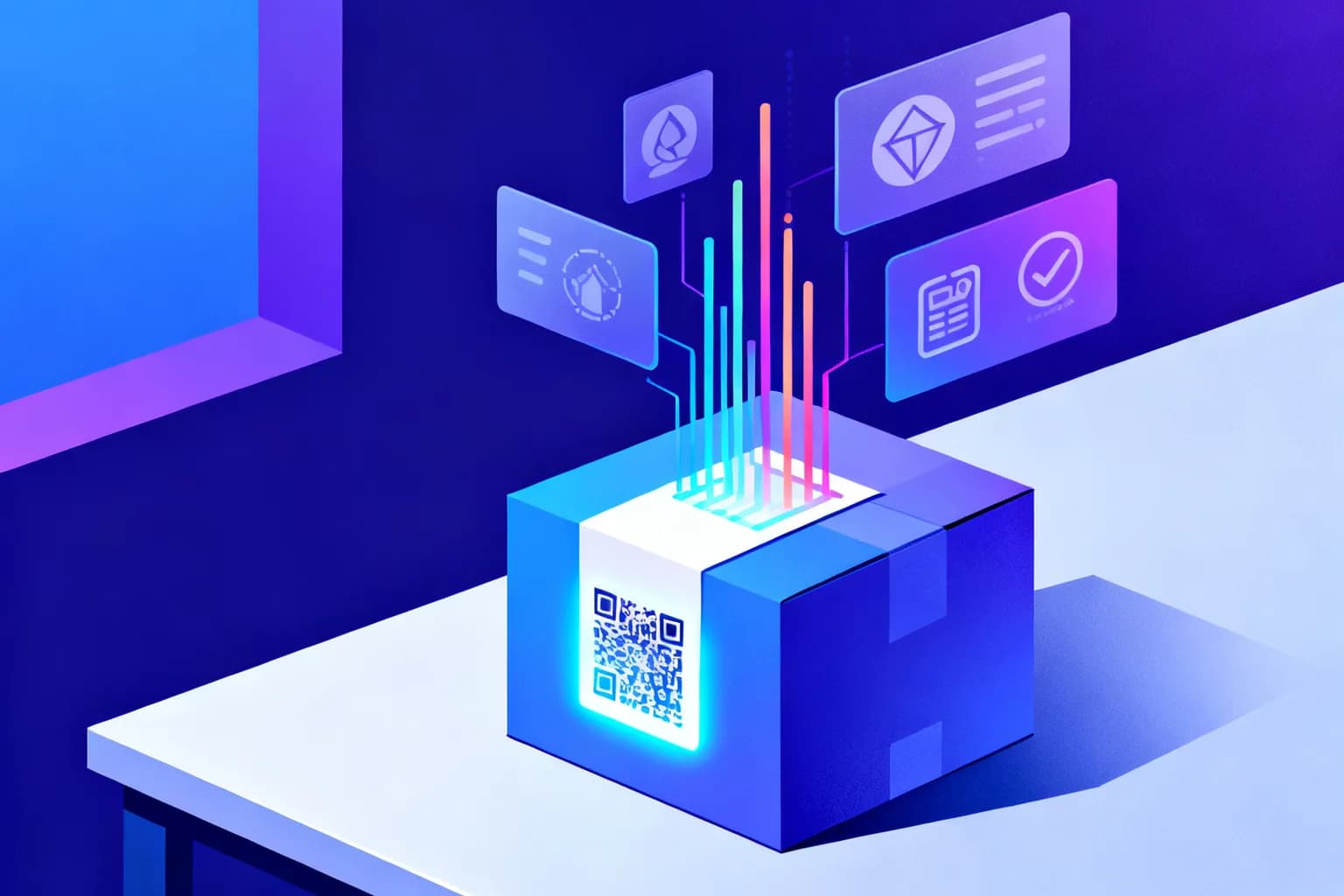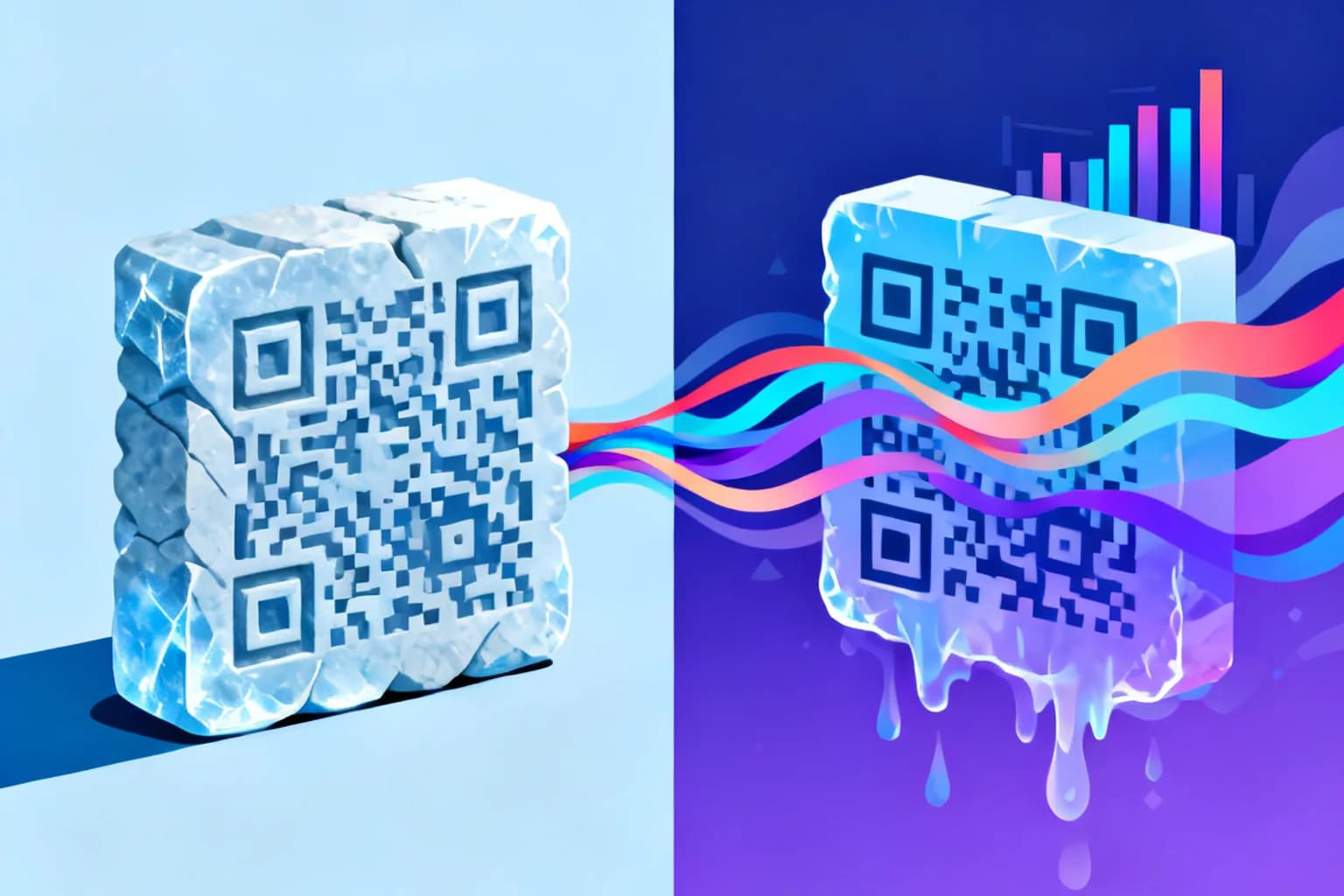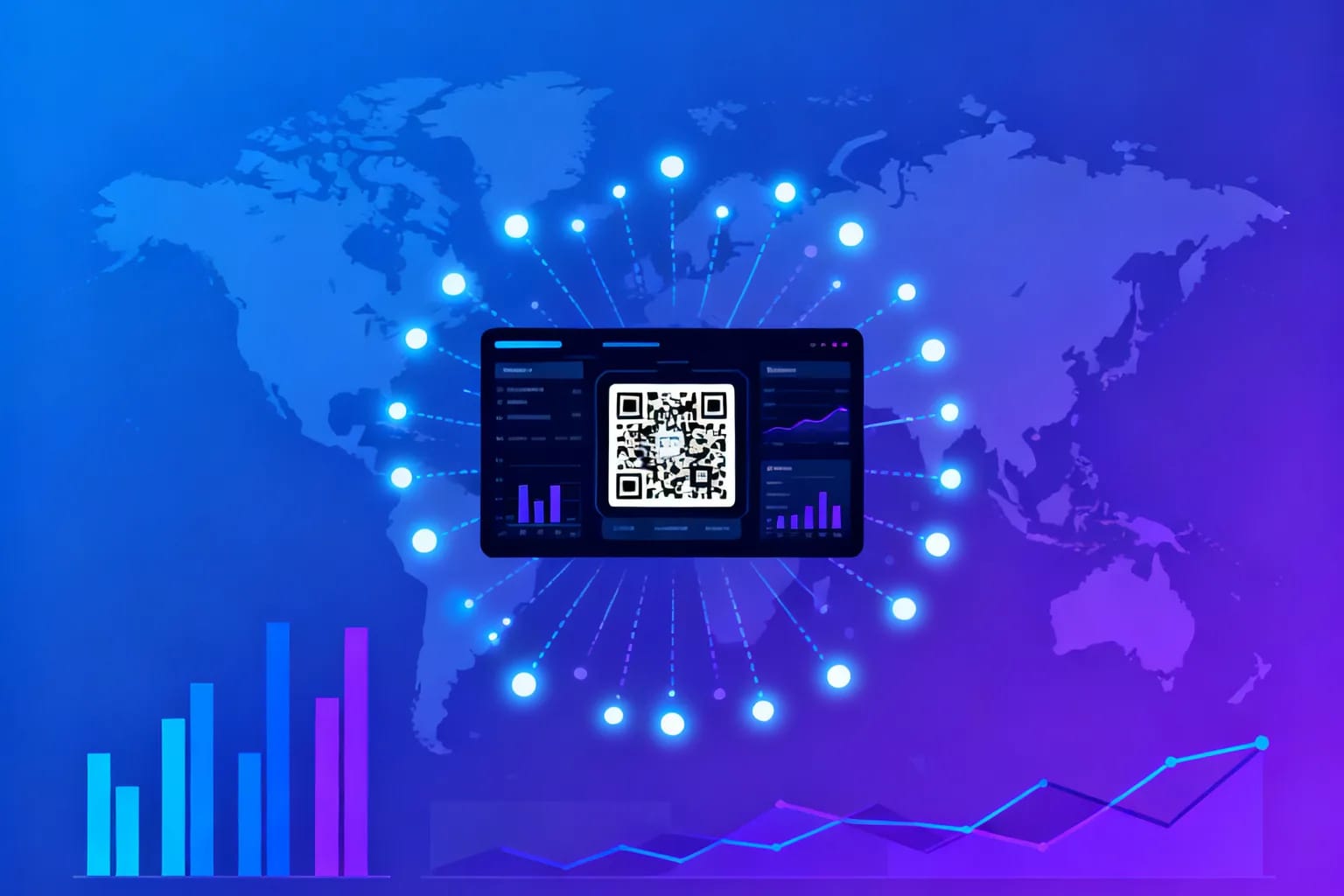
QR code tracking works by routing every scan through a short redirect link before the visitor reaches your page. That redirect records the moment of the scan along with the device, operating system, browser, approximate location and referrer, then forwards the visitor in a fraction of a second. Only a dynamic QR code can do this, because a static code sends people straight to the destination with nothing in between to count them. With tracking in place, you can see which poster, flyer or package actually drives visits, compare placements against each other and decide where to print next, instead of guessing.
Key takeaways
- Scan tracking requires a dynamic QR code, because the redirect step is what records each scan.
- A typical scan event captures time, device type, operating system, browser, country, region, city and referrer.
- Total scans and unique scans answer different questions, so read them together rather than picking one.
- Give every placement its own code so the numbers tell you which location performs, not just whether the campaign works.
- Combine scan data with UTM parameters to follow visitors from the printed code all the way to a conversion.
- Collect only what you need, keep retention limited and tell people what you measure.
How does QR code tracking actually work?
A trackable QR code does not contain your final URL. It contains a short link that belongs to the QR platform, for example a path like /r/abc123. When someone scans the code, their phone opens that short link first. The server behind it logs the request, reads the information the browser sends along with it and then issues a redirect to the destination you configured.
This design has a useful side effect. Because the printed code only ever points to the short link, you can change the destination later without reprinting anything. Tracking and editability come from the same mechanism, which is why the two features almost always appear together. If you are new to the concept, the dynamic QR code guide walks through the setup from the beginning.
Can you track scans of a static QR code?
Not directly. A static QR code stores the final content inside the pattern itself. A static URL code sends the phone straight to the website, and a static WiFi or text code never touches a server at all. There is no intermediate step that could register the scan.
You can get a partial signal by adding UTM parameters to the URL you encode. Your web analytics will then attribute visits to that code. This approach has real limits, though:
- You only see visitors whose browsers load your analytics script and accept your cookie or consent banner.
- Scans that fail to load the page, for example on a weak mobile connection, are invisible.
- You cannot change the URL or the parameters after printing.
- Non-URL content such as WiFi credentials or vCards cannot be measured at all.
If measurement matters, choose a dynamic code from the start. The trade-offs are covered in more depth in static vs dynamic QR codes.
What data does a QR code scan record?
Each scan creates an event with a set of attributes. The exact fields depend on the platform, but a solid analytics setup records the following:
| Data point | Where it comes from | What it tells you |
|---|---|---|
| Timestamp | Server clock at the moment of the request | Peak hours, weekdays and campaign timing |
| Device type | User agent string | Share of phones versus tablets and desktops |
| Operating system | User agent string | iOS and Android split, useful for app download links |
| Browser | User agent string | Which in-app or system browsers your audience uses |
| Country, region, city | IP address lookup, approximate | Where your printed material is actually being scanned |
| Referrer | HTTP referrer header, when present | Whether a scan came from a camera app or a shared link |
Location deserves a note. IP-based geolocation is reliable at the country level and reasonably good for regions, but city data can be off when a phone uses a mobile carrier gateway in a neighboring city. Treat city-level numbers as a strong hint rather than a precise address.
What the scan does not record is just as important. A scan event does not reveal a name, phone number or email address. It describes a device and a moment, not a person.
Total scans or unique scans: which number should you watch?
Most dashboards show two headline numbers, and they answer different questions.
Total scans count every time the code was opened. If one person scans the same poster three times, that is three scans.
Unique scans try to count distinct visitors. Platforms usually estimate them by combining signals such as the IP address and the user agent over a time window. The estimate is never perfect: two colleagues on the same office network with identical phones can look like one visitor, while one person who switches from WiFi to mobile data can look like two.
A practical rule is to read the ratio rather than either number alone. If total scans are far higher than unique scans, the same people return often, which is typical for a restaurant table code or a product manual. If the two numbers are close, you are reaching new people each time, which is what you want from an outdoor ad or a trade show flyer.
How do you set up QR code tracking, step by step?
- Define the question. Decide what you want to learn: which location performs best, which time of day drives scans or whether a new design scans better than the old one.
- Create a dynamic URL code. Enter the destination URL and give the code a descriptive internal name such as "Spring flyer, Berlin store, entrance".
- Add UTM parameters to the destination. Use
utm_sourcefor the placement,utm_medium=qrandutm_campaignfor the campaign. This connects scan data to your web analytics. - Create one code per placement. If the same flyer goes to five stores, generate five codes. The extra effort is small and the comparison is what makes the data useful.
- Test before printing. Scan each code with at least one iPhone and one Android phone, confirm the redirect works and check that the test scans appear in your dashboard.
- Record the baseline. Note the print date, quantity and location of every code so you can later relate scans to exposure.
Once these steps are done, you can generate a first code right here to see how the result looks.
How many people actually scan QR codes today?
Scanning is now a routine habit rather than a novelty. Market data from Statista projects that 99.5 million smartphone users in the United States will scan QR codes in 2025, rising to 102.6 million in 2026. That is roughly one in three Americans, which means a well-placed code reaches an audience large enough to produce meaningful scan data within weeks.
With an audience that large, low scan numbers rarely mean people do not scan codes. They usually point to a weak placement, a vague call to action or a code too small for the scanning distance, and tracking lets you tell these causes apart.
Which metrics show that a QR campaign is working?
Raw scan counts are a starting point. The metrics below turn them into decisions:
- Scan rate per placement: scans divided by printed copies or estimated footfall. It lets you compare a menu card with a window poster on fair terms.
- Time-of-day pattern: peaks show when people engage, which helps with staffing, offer timing and the hours an ad should run on digital screens.
- Location spread: scans far from where the code was posted often mean the material travels, for example on packaging or takeaway flyers.
- Device mix: a strong iOS or Android skew tells you which app store link to prioritize.
- Conversion after the scan: sign-ups, bookings or purchases tracked through UTM parameters in your web analytics. This is the number that justifies the budget.
How do you compare placements and run A/B tests with QR codes?
The most valuable insight from tracking is usually comparative. One code per placement turns a single campaign into a set of small experiments.
For a placement comparison, print the same design with different codes in different spots: the entrance, the checkout counter and the table. After a few weeks, the scan rate per placement shows which spot earns its print cost.
For a design or message test, keep the placement constant and vary one element at a time:
- Write two versions of the call to action next to the code, for example "Scan for today's specials" and "Scan to see the menu".
- Print each version with its own dynamic code and distribute them evenly across comparable locations.
- Run the test long enough to collect at least a few hundred scans in total, so random swings do not decide the winner.
- Keep the version with the higher scan rate and test the next element, such as code size, frame color or position on the page.
The same approach works for review requests. A card asking for feedback can be tested in different wordings, a scenario explained in detail in QR codes for Google Reviews.
Is QR code tracking compliant with privacy laws like the GDPR?
It can be, if you design it carefully. Scan analytics process technical data such as IP addresses, which the GDPR treats as personal data in many contexts. That does not forbid tracking, but it does require a legal basis, transparency and restraint.
Privacy is also a business question. According to the Cisco 2025 Data Privacy Benchmark Study, based on 2,600 privacy and security professionals in 12 countries, 86% support privacy legislation and 96% say the benefits of privacy investments exceed the costs. Responsible tracking is not only a legal duty but a trust signal your audience notices.
A sensible checklist for scan analytics looks like this:
- Collect aggregate, device-level data and avoid linking scans to identified people unless they opt in.
- Prefer a provider that processes data in the EU when your audience is in Europe.
- Limit how long you keep detailed scan records and delete what you no longer need.
- Mention scan measurement in the privacy notice of the page the code leads to.
- If the landing page sets analytics cookies, respect the visitor's consent choice there as usual.
This article is general guidance, not legal advice. For campaigns with sensitive audiences, such as health or children, check the setup with your data protection officer.
What are common QR tracking mistakes and how do you avoid them?
Most tracking problems come from decisions made before printing:
- One code for everything. Using the same code on posters, flyers and packaging produces one total that cannot be split later. Create a code per placement.
- No UTM parameters. Scan data shows interest, but without UTM tags you cannot see what visitors did on your site afterwards.
- Testing only on one phone. Some camera apps open links in an in-app browser. Test on iOS and Android before the print run.
- Judging too early. A few days of data are dominated by chance. Wait for a stable pattern before moving budget.
- Ignoring the destination. A high scan count with few conversions usually means the landing page is slow, not mobile friendly or does not match the promise printed next to the code.
Frequently asked questions
Do QR codes track who scanned them?
No. A scan records technical data such as the time, device type, operating system, browser and approximate location from the IP address. It does not reveal a name, email address or phone number unless the visitor later enters that information on your page.
Can I add tracking to a QR code that is already printed?
Only if the printed code is already dynamic. A static code points directly to its destination and cannot be redirected through a tracking link. For printed static codes, the only option is to replace them with new dynamic codes at the next print run.
How accurate is QR code location tracking?
Location comes from the IP address, so it is reliable at the country level and usually good at the region level. City data can be off when a phone connects through a mobile carrier gateway elsewhere, so treat it as an approximation.
Does tracking slow down the scan?
In practice, no. The redirect adds a very short delay, typically well under a second, before the destination page loads. Visitors do not notice it, and a fast landing page matters far more for the experience than the redirect itself.
Start measuring your QR codes with QRiety
QRiety creates dynamic QR codes that record time, device, operating system, browser, location and referrer for every scan, and lets you change the destination at any time without reprinting. It is built by an EU-based team, and you can start on the free plan and add analytics when your campaign needs them. Create your first trackable QR code today.