Yes, QR codes are safe in themselves: a QR code is only a printed pattern that stores text, usually a web address, and it cannot run code on your phone by being scanned. The risk lies in where the code sends you. A scammer can print a code that opens a fake login page, a payment form or a malware download, and because you cannot read a QR code with your eyes, you only see the destination after you scan. The practical answer is to treat a QR code like a link in an email: check the preview URL before you open it, be suspicious of codes that arrive unexpectedly or demand urgent action, and never enter passwords or card details on a page you reached through a code you do not trust.
Key takeaways
- A QR code cannot infect a phone on its own; the danger is the link or action it triggers after you scan.
- QR phishing, often called quishing, grew sharply in 2025 and mostly arrives by email, PDF attachments and stickers on public signs.
- Reading the URL preview your camera shows before tapping it stops most attacks.
- Codes on parking meters, payment terminals and unexpected letters deserve extra caution.
- Businesses build trust with branded codes, short readable domains and a clear printed label next to the code.
Are QR codes safe to scan in the first place?
Scanning a QR code is about as risky as reading a URL written on a poster. The code is a grid of black and white modules that encodes a short piece of data. If you want the technical detail, our explainer on how QR codes work covers the structure, error correction and data capacity.
When your camera decodes that data, nothing executes automatically. Modern iOS and Android camera apps show you what they found, typically a web address, and wait for you to tap it. The decision to open the link, join a WiFi network or save a contact stays with you.
That is why the honest answer to "are QR codes safe" has two parts. The format is safe. The content can be anything the person who printed the code wanted it to be, and you cannot inspect that content until your phone decodes it. A code on a restaurant table you sit at every week and a code on a sticker slapped onto a parking meter look identical, yet they carry very different levels of trust.
How do QR code scams actually work?
Most QR code scams are ordinary phishing with a camera in the middle. The attacker wants your login, your card number or your money, and the code is just a convenient way to deliver the link. Security teams call this quishing, short for QR phishing.
The appeal for criminals is that email filters scan text links but often treat an image as harmless. A QR code inside an image or a PDF hides the malicious URL from many of those filters, and the person scans it with a personal phone that sits outside the company's security tools.
The scale is no longer small. According to the APWG Phishing Activity Trends Report for Q3 2025, member company Mimecast detected 716,306 unique malicious QR codes in emails during the third quarter of 2025, up 13 percent from 635,672 in the second quarter, and more than 3 million across twelve months.
The growth continued later in the year. Kaspersky reported in December 2025 that its detections of phishing emails carrying malicious QR codes rose from 46,969 in August to 249,723 in November 2025, a more than fivefold increase, with many codes hidden inside PDF attachments rather than the email body.
The common attack patterns fall into a handful of types:
- Credential phishing: the code opens a convincing copy of a Microsoft, bank or parcel-service login page.
- Payment fraud: a fake code on a parking meter or charging station leads to a lookalike payment page.
- Malware downloads: the link offers an "app update" or a file that installs spyware, mostly on Android devices that allow sideloading.
- Action abuse: the code pre-fills an SMS to a premium number, an email or a calendar invite that looks harmless until you send it.
Where do malicious QR codes show up most often?
Context is your best early warning. Legitimate codes usually appear where you expect them, printed as part of the original design. Malicious ones tend to arrive with pressure attached or sit on top of something else. The table below summarizes the settings where scams are reported most often and the signal that should make you pause.
| Setting | Typical lure | Red flag |
|---|---|---|
| Work email or PDF attachment | "Re-authenticate your account" or "review the shared document" | Asks you to scan with your phone instead of clicking a normal link |
| Parking meters and EV chargers | "Pay here by QR" | Sticker placed over the original sign, uneven edges, different print quality |
| Letters and parcels | "Missed delivery, reschedule now" or "unpaid fine" | Unexpected sender, a deadline, a fee to unlock something |
| Restaurant tables and posters | Menu, discount or survey | Code asks for card details or an app install just to see a menu |
| Social media and marketplaces | "Scan to receive payment" | Receiving money never requires you to scan and confirm a payment |
How can you tell if a QR code is safe before you open it?
You do not need special software to scan safely. A short routine catches the vast majority of malicious codes, and it takes a few seconds once it becomes a habit.
- Look at the code before you scan it. Check whether it is printed on the original material or stuck on top. Run a finger over it; a raised edge on a public sign is a strong warning sign.
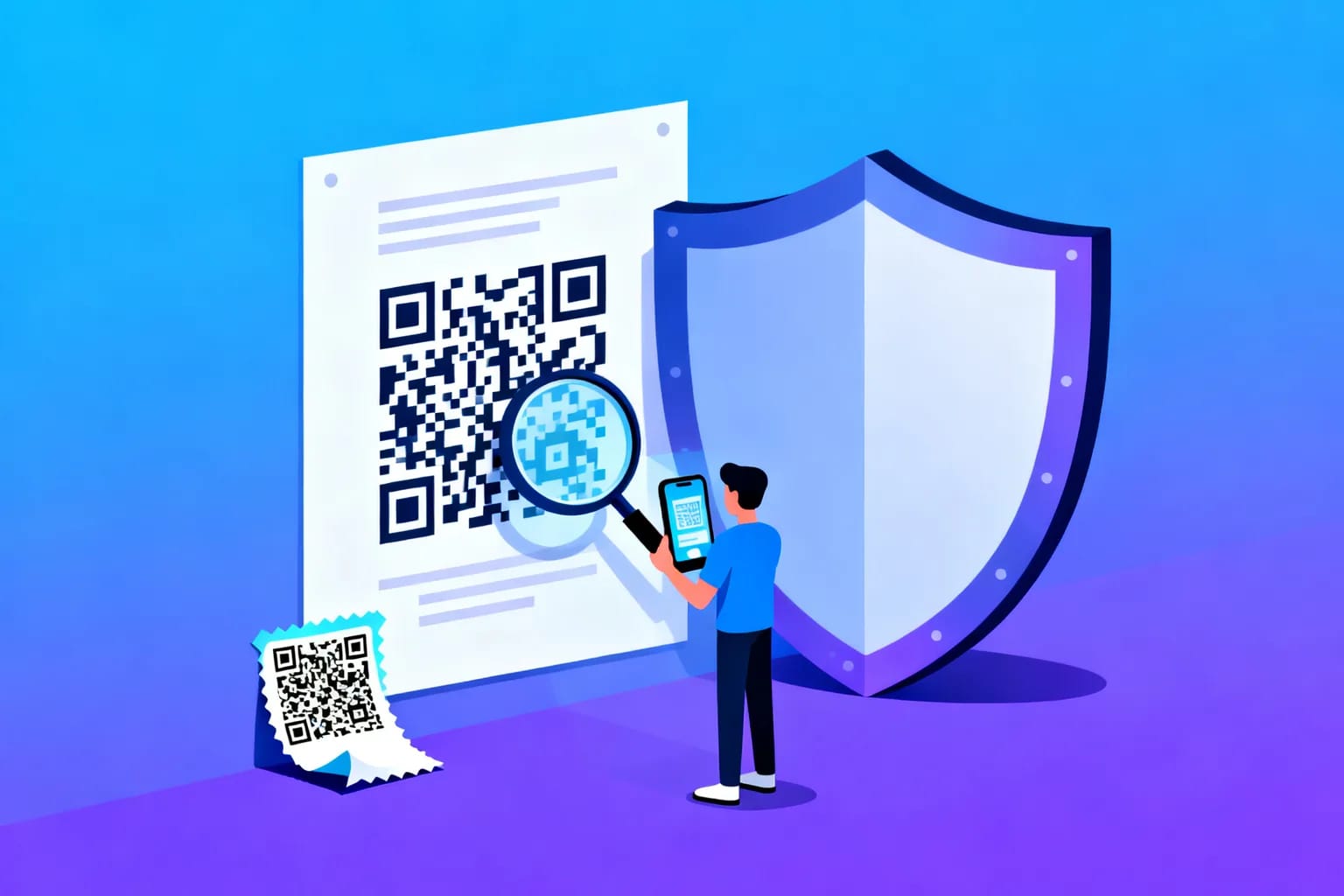
- Read the preview URL. Your camera shows the destination before opening it. Check the domain, the part right before the first single slash. "parking-city.example" is not your city's official site just because it contains the word parking.
- Watch for lookalike spelling. Swapped letters, extra hyphens, unusual endings and long strings of random characters are common in phishing domains.
- Be wary of short links you cannot read. A shortened URL hides the final destination. That is not automatically malicious, but it removes your chance to check the domain, so it raises the bar for what you should trust on the page that follows.
- Question urgency. Deadlines, threats of fines and "your account will be closed" messages exist to rush you past these checks.
- Never log in through a code. If a code claims you need to sign in to your bank, email or work account, close it and open the service through its app or a bookmark instead.
- Decode instead of opening. If you want to inspect a code from an email or a screenshot without visiting the link, use a browser-based QR code decoder that shows the raw content. Ours runs entirely in your browser, and nothing is uploaded.
These steps also protect you against honest mistakes. A code printed on an old flyer may point to a domain that has since expired and been bought by someone else. Reading the URL catches that as well.
What should you do if you already scanned a suspicious code?
Scanning alone rarely causes harm. What matters is what happened next. Work through the questions below in order, and act quickly on any that apply.
- Did you only look at the page? Close the tab and clear recent browsing data. Simply viewing a phishing page does not hand over your data.
- Did you enter a password? Change it immediately on the real site, starting with email, then any account that reuses the same password. Turn on two-factor authentication where available.
- Did you enter card or bank details? Call your bank using the number on the back of your card, block the card and ask about disputed transactions.
- Did you install something? Uninstall the app, check which apps have accessibility or device-admin permissions, and run your phone's built-in security scan. On a work phone, tell your IT team right away.
- Was it a public code? Report the fake sticker to whoever runs the meter, charger or venue so it gets removed before the next person scans it.
Are dynamic QR codes less safe than static ones?
Not inherently. A static code stores the final URL directly. A dynamic code stores a short redirect address, and the platform behind it forwards each scan to the current destination. If you are new to the distinction, our comparison of static vs dynamic QR codes explains it in detail.
From the scanner's side, the difference is that a dynamic code shows a redirect domain in the preview rather than the final website. That is the same trade-off as any short link: you trust the redirect service and the organization that printed the code.
From the owner's side, dynamic codes are often the safer choice. If a destination page is ever compromised, or a domain lapses, the owner can point every printed code to a new address within minutes instead of leaving a dangerous link on thousands of flyers. A static code printed with a mistake or an expiring domain stays wrong forever.
Dynamic codes also give owners extra controls that static codes cannot offer:
- Password protection for codes that should only open for staff or invited guests.
- Expiry dates so a promotional code stops working when the campaign ends.
- Scan limits for one-time vouchers or tickets.
- Scan analytics that reveal unusual patterns, for example scans from a city where you never placed the code.
That last point is underrated. If a code suddenly records scans at a location where you have no posters, someone may have copied it, or a sticker may have been placed elsewhere. Analytics turn a silent problem into a visible one.
How can businesses make their QR codes trustworthy?
As quishing becomes better known, cautious customers will hesitate before scanning. Businesses that print codes can reduce that friction by making legitimate codes obviously legitimate. The guide to creating a dynamic QR code walks through setup; the trust signals below apply whichever tool you use.
- Brand the code. Your logo in the center and your brand colors make a code harder to swap unnoticed and easier to recognize.
- Print a call to action and the domain. A line such as "Scan for the menu, opens example.com/menu" tells people what to expect and lets them verify the preview.
- Integrate the code into the design. A code printed as part of the sign, packaging or receipt is much harder to fake than a loose sticker.
- Use a domain people recognize. Send scans to your own website rather than a chain of unfamiliar redirects.
- Never ask for sensitive data right after a scan. If the first page asks for card details or a login, careful users will rightly close it.
- Check public placements regularly. Staff at parking areas, entrances and counters should know what your real code looks like and remove anything stuck on top.
For organizations in the EU, there is also a privacy angle. Collecting scan data responsibly, with minimal personal information and a clear legal basis, is part of being trustworthy rather than a separate compliance task.
Frequently asked questions
Can a QR code hack my phone just by scanning it?
No. Scanning only decodes text, and current iOS and Android camera apps ask you before opening a link. Harm requires a further step, such as entering data on a fake page or installing a file the link offers.
Are QR codes in restaurants and shops safe?
Usually, yes, especially when the code is printed directly on the menu, table card or packaging. Be careful if the code is a sticker on top of another sign, or if a simple menu suddenly asks for card details or an app installation.
Is it safe to scan a QR code from an email?
Treat it with extra caution. Most quishing reported in 2025 arrived by email or PDF attachment, often impersonating IT, banking or delivery services. If an email asks you to scan a code to log in or fix an account, open the service yourself instead.
Should I use a QR scanner app for better security?
The built-in camera app is usually enough because it shows a preview before opening anything. Avoid third-party scanner apps that request broad permissions or show heavy advertising, since some of them are a privacy risk themselves.
Create trustworthy QR codes with QRiety
If you print QR codes for customers, guests or staff, make them easy to trust. QRiety lets you add your logo and colors, protect codes with passwords, set expiry dates and scan limits, and change the destination of a printed code at any time if something goes wrong. Start for free and create your first secure QR code.