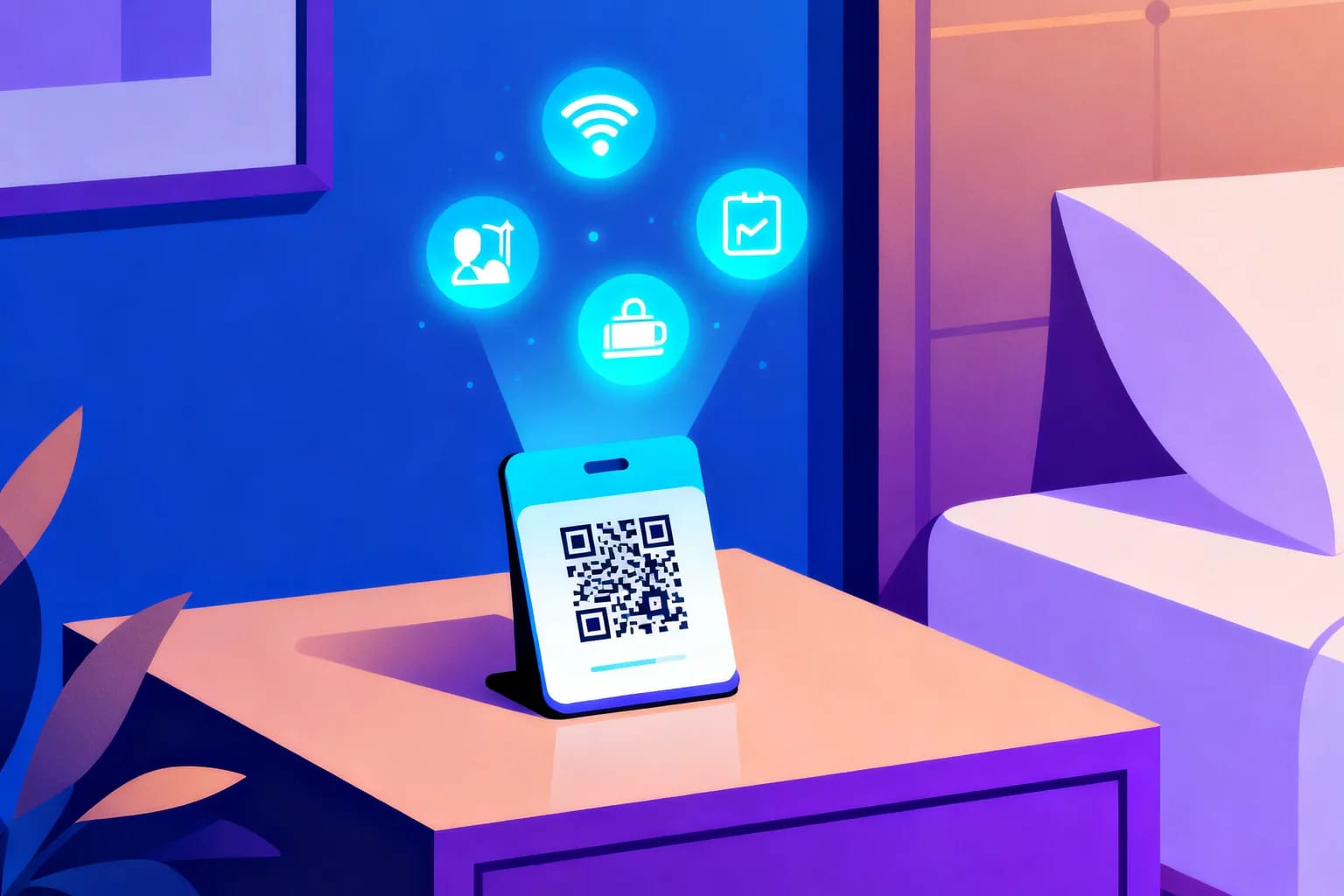
QR codes help hotels by moving routine requests away from the front desk and onto the guest's own phone. A single code on a bedside card, a lift lobby sign or a key-card sleeve can open the WiFi login, the room service menu, the spa booking page, local tips or a feedback form, in seconds and in the guest's language. The trick is to use a dynamic QR code for anything that changes, so you can update menus, prices and links without reprinting a single card. Done well, guests get answers faster and your team spends its time on the conversations that really need a person.
Key takeaways
- QR codes take repetitive questions like the WiFi password, breakfast hours and checkout time off the front desk.
- Dynamic codes let you change the destination behind a printed card, so seasonal menus and offers never require a reprint.
- Use one code per placement and purpose, so scan analytics tell you which touchpoints guests actually use.
- Print codes at least 3 cm wide on matte material with strong contrast and a short call to action next to them.
- Keep landing pages fast, mobile-first and multilingual, and never ask guests to install an app just to read information.
Why are hotels putting QR codes in every room?
The short answer is staffing and guest expectations, and both point in the same direction. Front desks are still stretched thin, while guests increasingly want to handle simple things themselves. A QR code is the cheapest bridge between the two: it costs nothing to scan, works on every modern phone camera and needs no app download.
Staffing remains the pressure point. In a survey of 282 U.S. hoteliers by AHLA and Hireology fielded in early 2025, 65% of hotels reported staffing shortages, down from 76% in May 2024. Even after that improvement, roughly two in three properties are working with fewer people than they need, so every question a guest can answer alone frees up real time.
Guests are ready for it. A 2025 survey of 2,000 U.S. travelers conducted by Talker Research for the hotel software company Mews found that 70% would check themselves in through an app or self-service kiosk instead of a traditional front desk. Among Gen Z travelers the share rose to 82%, which signals where expectations are heading.
Where should a hotel place QR codes, and what should each one do?
Start with the questions your front desk hears most often. Every repeated question is a candidate for a code placed exactly where the guest has that question. A guest wondering about breakfast hours is usually in the room or at the lift, not at reception.
| Placement | What the code opens | Why it works there |
|---|---|---|
| Bedside or desk card | Guest directory: WiFi, breakfast hours, checkout time, house rules | The first place guests look after unpacking |
| Room service menu or tray card | Live menu with current prices and opening hours | Menus change often; printed folders go stale |
| Key-card sleeve | Digital welcome page, map, parking information | Guests hold it from the very first minute |
| Lift lobby and corridor signs | Spa, gym and restaurant booking pages | Captures intent while guests are moving around |
| Restaurant and bar tables | Food and drink menu, allergen information | Faster ordering, fewer printed menus to replace |
| Bathroom or minibar card | Sustainability options, towel reuse, minibar list | Puts the choice in context, at the moment it matters |
| Checkout folder or receipt | Short feedback form or review request | Asks for feedback while the stay is still fresh |
WiFi deserves a special mention because it is the single most common question in almost every hotel. A dedicated WiFi code can connect a phone to the network without anyone typing a password; our guide to WiFi QR codes for guests covers that setup in detail. For outlets with table service, the same principles as a QR code for a restaurant menu apply, with one difference: hotel menus often need to serve several languages at once.
Should hotel QR codes be static or dynamic?
Use static codes only for information that will never change, and dynamic codes for everything else. A static code stores its content directly in the pattern, so once it is printed the destination is fixed. A dynamic code stores a short link that points to a destination you can edit at any time, which is why it is the default choice for hospitality. If the distinction is new to you, our dynamic QR code guide explains how the redirect works.
| Question | Static QR code | Dynamic QR code |
|---|---|---|
| Can you change the destination after printing? | No | Yes, at any time |
| Can you see how many guests scanned it? | No | Yes, with time, device and location |
| Good for | A fixed WiFi network, a permanent street address | Menus, offers, booking pages, guest directories |
| Risk when something changes | Reprint every card and sign | Update the link once, every card follows |
Think about how often hotel information really changes. Breakfast moves to a later start on weekends, the spa launches a winter package, the restaurant switches to a summer menu, a renovation closes the pool for two weeks. With static codes, each of those changes means a print run across every room. With dynamic codes, it means editing one link from your desk.
There is a second, less obvious benefit. A dynamic code can also carry security settings, such as an expiry date for a short promotion or a scan limit for a one-time voucher, so a code that was meant for one weekend does not keep working for a year.
How do you set up a hotel QR code system, step by step?
A good rollout takes a few days, not months. The work is mostly deciding what each code should do; generating the codes themselves takes minutes.
- List the top questions. Ask the front desk team to note every question guests ask for one week. The top ten usually cover most of the volume.
- Build the landing pages first. Create a mobile-friendly guest directory, a live menu page and any booking pages before you generate a single code. A QR code is only as good as the page behind it.
- Translate the content. Offer the main languages of your guests. A simple language switcher at the top of each page is enough.
- Create one dynamic code per placement. Make a separate code for the bedside card, the lift sign and the restaurant table, even if they point to the same page. This is what makes analytics useful later.
- Name codes clearly. Use a pattern like "Room card – directory" or "Lift L2 – spa offer", so anyone on the team can find and update the right one.
- Brand the codes. Add your logo, use your brand colors and choose a frame with a short call to action such as "Scan for WiFi and hotel info".
- Test before printing. Scan every code with at least one iPhone and one Android phone, in the real lighting of the room, from a realistic distance.
- Print, place and brief the team. Tell staff where the codes are and what each one does, so they can point guests to them with confidence.
How do you design and print QR codes that guests actually scan?
Guests scan codes they notice, trust and can read on the first try. Size, contrast, material and the text next to the code matter more than any decorative effect.
- Size: keep the code at least 3 cm wide on room cards and table tents, which reads comfortably from about 30 cm. For lift lobby or corridor signs read from two or three meters, go to 15 cm or more.
- Contrast: dark code on a light background, always. Light codes on dark backgrounds and low-contrast brand colors fail on older phones.
- Quiet zone: leave a clear margin around the code, roughly four modules wide, with no text or pattern touching it.
- Material: matte paper or matte laminate. Glossy finishes reflect bedside lamps and window light, which is a common reason scans fail.
- Call to action: say what happens next, for example "Scan for room service menu". A bare code invites hesitation.
- Durability: in bathrooms, pool areas and outdoor spaces, use water-resistant material and mount codes where they will not get wet constantly.
How do you measure whether hotel QR codes are working?
Measure scans per placement, not just total scans. The whole point of creating one code per location is to compare them. If the bedside card gets ten times the scans of the desk card, you have learned where guests actually look, and you can move or redesign the weaker placement.
Dynamic codes record each scan with its time, device type, operating system and approximate location. For a hotel, a few patterns are especially useful:
- Time of day: a spike in room service menu scans after 21:00 tells you when to staff the kitchen.
- Device and language: a high share of foreign-language phones on the directory page shows which translations matter most.
- Before and after: compare front desk call volume for the same question before and after a code goes live.
- Conversion: for spa or restaurant booking pages, compare scans with actual bookings to judge whether the offer, not the code, needs work.
What mistakes should hotels avoid with QR codes?
Most failed hotel QR projects fail for the same few reasons, and none of them are technical.
- Linking to a PDF. A large PDF menu loads slowly on hotel WiFi and is hard to read on a phone. Use a mobile web page instead.
- Requiring an app download. Guests scan to get information, not to install software. Keep apps optional.
- One code for everything. A single code that opens a long menu of links hides the answer the guest wanted. Point each code to the most relevant page.
- Printing static codes for changing content. The first price change or seasonal menu turns hundreds of cards into waste.
- Forgetting the offline guest. Some guests do not want to use a phone. Keep a printed summary of the essentials and make sure staff are still easy to reach.
- No owner. If nobody is responsible for updating the pages, the content drifts out of date and guests stop trusting the codes.
How do QR codes affect guest privacy and trust?
Guests trust a QR code when it looks official, opens a page that clearly belongs to your hotel and does not ask for more than it needs. That trust is easy to lose, so treat it as part of the design, not an afterthought.
First, protect against tampering. Fake codes stuck over real ones, sometimes called quishing, are a known way to send people to phishing pages. Print codes as part of branded cards and signs rather than loose stickers, check public areas regularly, and use a short link on your own domain or a recognizable brand where possible.
Second, collect only what you need. A guest directory does not need a login. A feedback form does not need a phone number. If you collect personal data, say why, and follow the data protection rules that apply to your guests. For hotels in Europe that means GDPR, which favors scan analytics that are aggregated and do not identify individual guests.
Frequently asked questions
Do hotel guests need an app to scan a QR code?
No. The built-in camera on modern iPhone and Android phones reads QR codes directly and opens the link in the browser. You should never require an app download just to view a menu, a guest directory or the WiFi details.
Can I change what a hotel QR code opens after it has been printed?
Yes, if it is a dynamic QR code. The printed pattern stays the same while you edit the destination link at any time, so seasonal menus, new offers and changed opening hours never require reprinting cards or signs.
How many QR codes does a hotel actually need?
Fewer than you might think. Most properties start with five to eight codes: the room directory, WiFi, room service, restaurant tables, spa or gym booking, and a feedback request at checkout. Add more only when a new touchpoint has a clear purpose.
Are QR codes accessible for guests with visual impairments?
They can be, if the landing pages follow accessibility basics: readable font sizes, strong contrast and support for screen readers. Mount codes at a consistent, predictable height and make sure staff can always offer the same information in person.
Start your hotel QR codes with QRiety
QRiety lets you create dynamic QR codes for every room card, menu and sign, brand them with your logo and colors, and change the destination whenever your information changes. Scan analytics show which placements guests use, and the platform is built by an EU-based team with data protection in mind. Create your first hotel QR code for free.