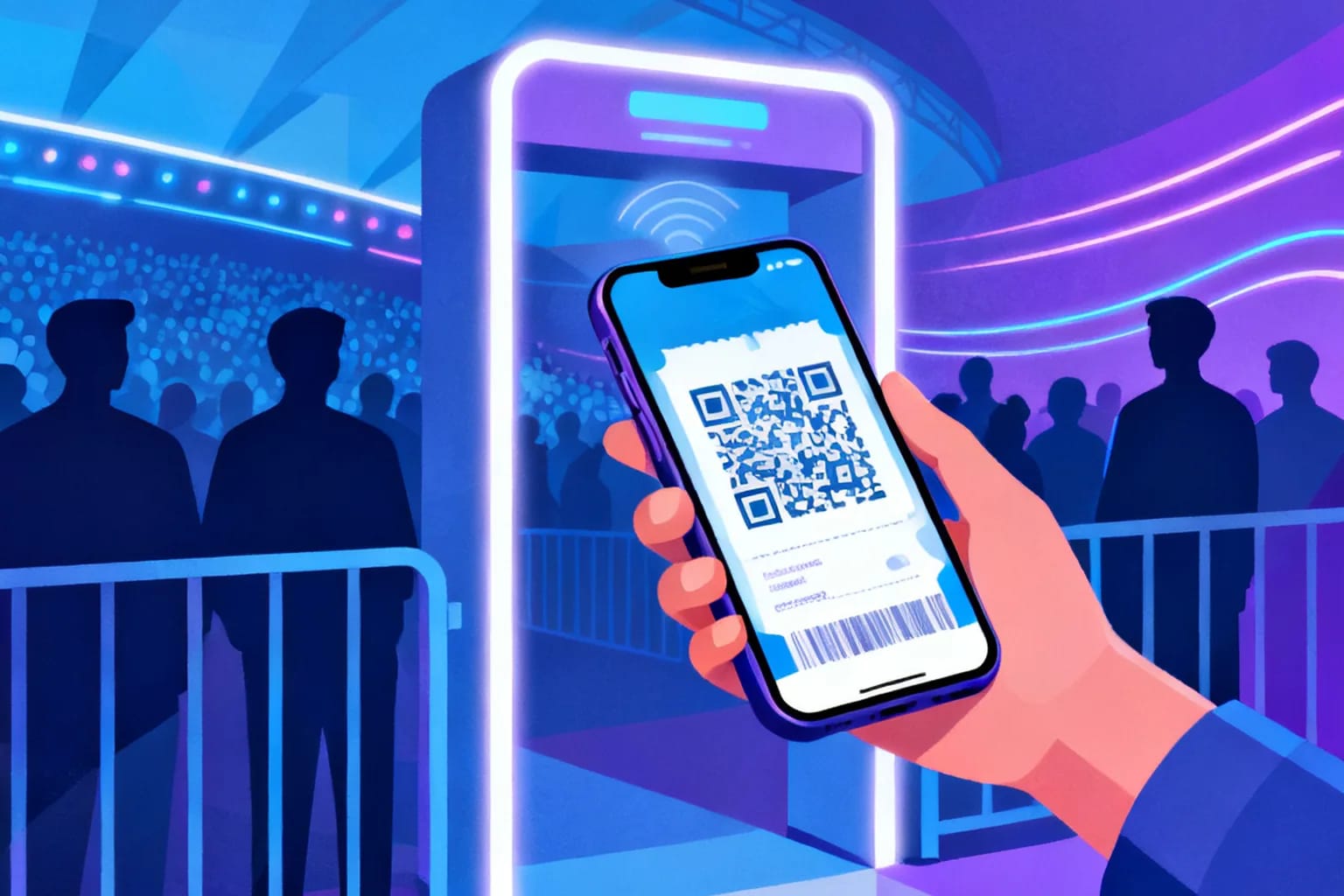
A QR code for event tickets works best when you split the job in two. Each ticket carries a unique, single-use code that your check-in app validates at the door, while every poster, flyer and wristband insert carries a dynamic QR code that sends people to the right page before, during and after the event. The ticket code answers "is this person allowed in?" The dynamic code answers "where do I go next?" Keep those two roles apart and you get faster entry lines, fewer fake tickets and a printed program that never goes out of date, even when the schedule changes the night before.
Key takeaways
- Ticket QR codes must be unique per attendee and validated against a live list, so a screenshot cannot be used twice.
- Event-level codes on posters, signage and badges should be dynamic, so you can change the destination without reprinting.
- A scan takes a couple of seconds, which is why QR entry cuts queue times compared with reading names off a printed list.
- Scan analytics on promotional codes show which channel actually sold tickets and which entrance was busiest.
- Test every code at the real venue, in the real light, on older phones, at least a week before doors open.
Why do events use QR codes for tickets and check-in?
Because almost everyone already carries the scanner. A QR ticket lives in an email, a wallet app or a PDF, and the attendee does not need to install anything to show it.
The reach is the real argument. In its 2025 survey of more than 5,000 adults, the Pew Research Center found that 91 percent of U.S. adults own a smartphone, up from 35 percent when it first asked in 2011. For an organizer, that means a phone-based ticket is no longer an edge case to plan around. It is the default, and paper becomes the fallback for the small group that needs it.
The industry is moving in the same direction. In its 2025 Nexus State of Ticketing announcement, Ticketmaster reported that mobile ticketing adoption grew 53 percent year over year across global sports leagues, and that biometric venue entry doubled over the same period.
For smaller events the benefits are just as concrete:
- Speed. Scanning replaces searching a printed list by surname.
- Fraud control. A validated code can be used once; a printed name can be claimed by anyone who knows it.
- Headcount in real time. Every successful scan is a check-in you can count while the doors are still open.
What is the difference between a ticket QR code and an event QR code?
This is the distinction most guides skip, and it decides which tool you need. A ticket QR code is an identity token. An event QR code is a signpost.
| Ticket QR code | Event QR code | |
|---|---|---|
| How many exist | One per attendee | A handful per event |
| What it contains | A unique ticket ID or signed token | A short redirect link to a page |
| Who scans it | Door staff with a check-in app | Attendees with their own camera |
| What a scan does | Validates and marks the ticket as used | Opens the schedule, map, menu or survey |
| Where it appears | Email, wallet pass, PDF | Posters, flyers, badges, stage screens, table cards |
| Best type | Generated by your ticketing or check-in system | Dynamic, so the destination can change |
Ticket codes come out of whatever system sells or registers your attendees, because only that system knows which IDs are valid and which have already been used. A general QR generator cannot do that validation for you, and it should not try.
Event codes are where a generator earns its place. One code on the entrance banner can point to the floor plan today and to the photo gallery tomorrow. If you want the full background on how that redirect works, the static vs dynamic QR code comparison walks through it in detail.
How do you set up QR check-in for an event, step by step?
The process is the same for 80 guests or 8,000. Only the number of entrances and devices changes.
- Choose how tickets are issued. Use a ticketing or registration platform that generates a unique code per attendee and offers a check-in app. Confirm it works offline, because venue WiFi fails at the worst moment.
- Decide what the code contains. Prefer a random ticket ID over personal data. A code that encodes a name and email exposes that data to anyone who photographs it.
- Deliver tickets in two formats. Send a wallet pass or in-email code, plus a printable PDF for people who prefer paper or whose phone battery is unreliable.
- Prepare the entrance. Assign one scanning device per lane, plus a spare. Charge everything, and bring power banks.
- Add an event code at the door. A dynamic code on the entrance sign links to the venue map, the agenda and the WiFi details, so attendees stop asking staff the same three questions.
- Run a rehearsal. Scan twenty test tickets, including a duplicate and an invalid one, and check that the app rejects both.
- Plan the fallback. Keep a searchable attendee list on a separate device for the guest whose phone died in the taxi.
For the event-level code, start with the page attendees need most at the door, usually the agenda or the floor plan. You can redirect it later without touching the printed sign.
How do QR tickets prevent fraud and duplicate entry?
A QR code on its own does not stop fraud. What stops fraud is the validation step behind it. When the door app scans a ticket, it checks the code against the list of issued tickets and marks it as used. A second scan of the same code, whether from a forwarded email or a screenshot shared in a group chat, comes back as already checked in.
Several practices make that check stronger:
- Use unpredictable IDs. Sequential numbers like 1001, 1002, 1003 invite guessing. Long random identifiers do not.
- Sync devices. If two entrances scan offline, a duplicate can slip through at both. Sync often, or assign ticket ranges to specific doors.
- Release codes late for high-demand events. Some platforms show the code only a day or a few hours before the event, which limits resale of copies.
- Warn buyers about unofficial resellers. Put the official purchase link on every poster and social post, so fans know where real tickets come from.
That last point is where a dynamic event code helps directly. Print one code on every poster that leads to the official ticket page. If sales move to a waitlist or a different partner, change the destination once and every printed poster follows.
What should an event QR code link to before, during and after the event?
The same printed code can serve three phases if it is dynamic. That is the main reason to choose dynamic over static for anything that goes on paper.
| Phase | Typical destination | Where the code appears |
|---|---|---|
| Before | Ticket sales, early-bird offer, speaker lineup | Posters, flyers, print ads, partner newsletters |
| During | Live agenda, venue map, WiFi details, food menu, session feedback | Entrance signs, badges, stage screens, table cards |
| After | Photo gallery, slides, survey, next year's save-the-date | The same badges and handouts attendees take home |
Badges matter most. Attendees keep them for weeks, so a code that later points to recordings or next year's early-bird offer keeps working long after the event.
Static codes still have a role. A WiFi network that will not change, or a fixed piece of text on a table tent, can be static. Static QR codes are unlimited and never expire, so they are fine for content that is truly permanent.
How do you measure ticket sales and attendance with QR analytics?
Ticket scans at the door tell you who came. Scans of your promotional codes tell you why they came. The trick is to give each channel its own dynamic code rather than one code for everything.
- One code on the city-center posters
- One code on the flyers handed out at a partner venue
- One code in the printed program of a related event
- One code on the stage screen during the show
Each code redirects to the same ticket page, but each records its own scans. After a week you can see that the partner-venue flyers produced three times the scans of the city-center posters, and move the remaining print budget accordingly. Scan data also includes time, device type and approximate location.
During the event, codes on room signs or session cards show which tracks pulled the most interest. That is useful when you plan room sizes next year. For a deeper look at what each data point means and how to read it, see the guide to QR code scan analytics.
How do you design and print event QR codes that scan in a crowd?
Event conditions are hard on QR codes: dim halls, bright outdoor sun, people scanning from a distance while a line moves behind them. A few rules keep them reliable.
- Size for distance. A common rule of thumb is roughly 1 cm of code width for every 10 cm of scanning distance. A code meant to be scanned from 2 meters away needs to be about 20 cm wide.
- Keep contrast high. Dark code on a light background. Brand colors work as long as the modules stay clearly darker than the background.
- Leave a quiet zone. Keep a clear margin around the code, free of text and graphics.
- Avoid glossy laminate on stage screens and signs. Reflections from spotlights can wash out the code at certain angles.
- Add a short instruction. "Scan for the live agenda" tells people what they get and makes them more likely to scan.
For ticket codes on phones, remind attendees to turn up screen brightness at the gate, and design the wallet pass so the code sits on a plain white area.
What mistakes should you avoid with event ticket QR codes?
Most failures at the door come from planning gaps, not from the technology. These are the ones that cause the longest lines.
- Printing a static link to a page that will change. If the agenda URL changes, every printed program becomes useless. Use a dynamic code for anything printed.
- Relying on venue WiFi. Choose a check-in app that validates offline and syncs later.
- Encoding personal data in the ticket. Keep names and emails in the system, not in the code.
- Skipping the venue test. A code that scans perfectly at your desk can fail under stage lighting.
- Using one promotional code for every channel. You lose the ability to see which channel sold tickets.
- Forgetting the after-event redirect. Badges and programs live on. Point them at recordings or a survey once the doors close.
If you are new to the redirect mechanics behind all of this, the dynamic QR code guide covers creating, editing and tracking a code from scratch.
Frequently asked questions
Can I use one QR code for all event tickets?
No. A shared code cannot tell attendees apart, so anyone with a screenshot could enter. Each ticket needs its own unique code, validated by your check-in app. One shared code is fine for event information, such as the agenda or venue map.
Do attendees need an app to use a QR ticket?
Usually not. Most tickets arrive as an email code, a PDF or a wallet pass that opens without extra software. Only the door staff need a check-in app or scanner that can validate codes against the attendee list.
What happens if an attendee's phone battery is dead?
Keep a fallback ready. Staff can look the attendee up by name or order number on a separate device and check them in manually. Offering a printable PDF ticket at purchase also reduces the number of people who reach this point.
Should event posters use a static or a dynamic QR code?
Dynamic, in almost every case. Posters go up weeks before the event, and the destination often changes from ticket sales to the live agenda to the photo gallery. A dynamic code lets you update the link without reprinting, and it shows how many scans each poster location produced.
How early should I test my event QR codes?
Test at least a week before the event, at the venue if possible. Scan with older phones, in the actual lighting and from the real distance. Test ticket validation with duplicate and invalid codes, so you see the rejection screen before your first guest does.
Promote and guide every event with QRiety
Let your ticketing system handle entry, and use dynamic QR codes for everything people scan around it: posters, badges, signage and follow-ups. With QRiety you can change where each code points at any time, see when and where people scan, and keep printed material useful long after the event ends. Create your first event QR code for free.