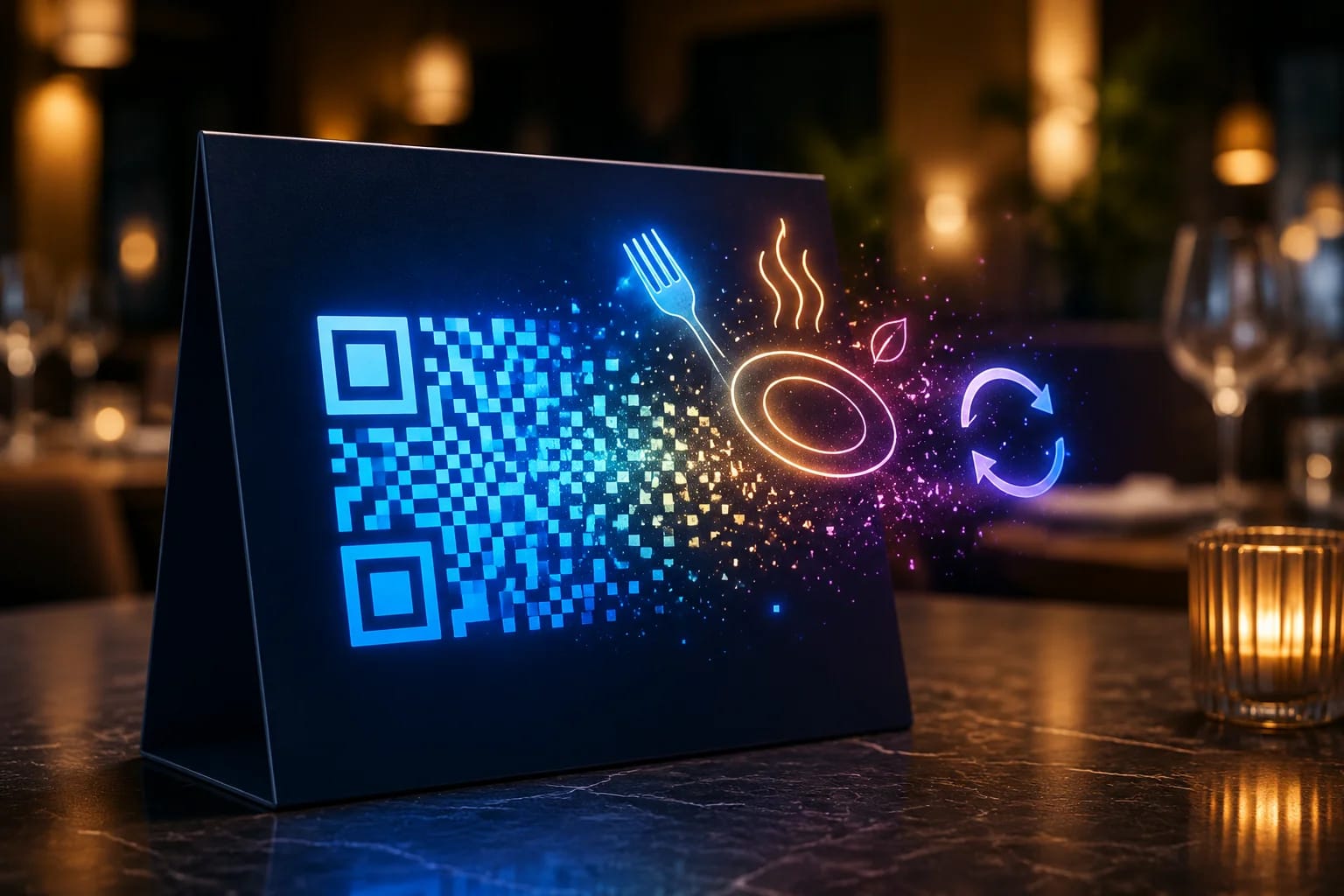
A QR code menu lets guests scan a small code at the table and open your full menu on their phone — no app, no paper reprints. The smart way to do it is with a dynamic QR code: you print the code once and update the menu behind it whenever prices, dishes, or specials change. This guide shows you how to set one up, what to put behind it, and how to design it so every guest scans on the first try.
Key takeaways
- A QR code menu opens your digital menu instantly when guests scan — contactless and always current.
- Use a dynamic code so you can update the menu without reprinting a single table tent.
- Link to a clean mobile web page (or PDF), not a slow document, for the best guest experience.
- Track scans to learn your busiest times and which menu placements work best.
- Print at a scannable size with a quiet zone, and add a short call to action like “Scan for menu.”
What is a QR code menu?
A QR code menu is a printed QR code — on a table tent, sticker, or poster — that opens your menu on the guest's phone when scanned. Instead of handling physical menus, guests point their camera at the code and your menu loads in the browser. With a dynamic code, the printed pattern points to a short link you control, so the menu it opens can be edited at any time.
Why use a dynamic QR code for your menu?
Static codes lock the destination forever, which is a problem for any menu that changes. A dynamic code solves three everyday restaurant headaches:
- Update without reprinting. Change a price or 86 a dish and the same code shows the new version instantly.
- Show the right menu at the right time. Point the code to a brunch menu in the morning and a dinner menu in the evening.
- See what works. Scan analytics reveal peak times and which tables or locations drive the most opens.
If you're new to the difference, our guide to the dynamic QR code explains how editable, trackable codes work.
How do you create a QR code menu, step by step?
- Put your menu online. The best target is a fast, mobile-friendly web page. A hosted PDF works too, but a web page loads quicker and is easier to update.
- Create a dynamic QR code. In your QR platform, choose a URL (or menu) type and paste your menu link.
- Brand the code. Add your logo, colors, and a frame with a clear call to action such as “Scan for menu.”
- Test on real phones. Scan with both iPhone and Android before printing, and check the menu loads fast on mobile data.
- Print and place. Use table tents, stickers, or window decals. Put a code where guests sit down and where they can scan comfortably.
- Update anytime. When the menu changes, edit the destination — the printed code stays the same.
What should the QR code link to?
For most restaurants, a mobile web menu beats a PDF: it loads faster, looks better on small screens, and is easier to keep current. Reserve PDFs for menus that must match a printed layout exactly. Whatever you choose, keep it lightweight — guests are often on mobile data — and make sure prices and allergens are accurate.
Should the code link to a PDF or a web page?
This single choice decides whether your QR menu works or merely exists, and most restaurants get it wrong by defaulting to the PDF they already send to the printer.
A PDF opens as a fixed page. On a phone that means pinching and dragging to read a wine list laid out for A4 paper, in a dim room, one-handed, while a server waits. It also downloads before it displays, which on a crowded café connection can take long enough that the guest gives up and asks for a paper menu — the exact outcome the code was meant to prevent.
A web page reflows. Text stays readable without zooming, sections can collapse, and the page appears progressively instead of all at once. It can also be edited in seconds when the kitchen runs out of a dish, and it can be measured.
If a PDF is genuinely unavoidable — a legally required allergen sheet, say — link to a web page that offers the PDF as a download rather than pointing the code straight at the file. The guest gets a usable menu, and the document is still one tap away.
Who cannot use a QR menu, and what to do about it?
A QR menu quietly excludes some of your guests, and the exclusions are more common than most operators assume.
- Guests with no data or a dead battery. Common in tourist areas, basements and late evenings.
- Guests with low vision. A phone screen at arm's length in low light is harder to read than print. A web menu can be zoomed and read aloud by a screen reader; a PDF usually cannot.
- Guests who do not know how. Scanning is not universal knowledge, and asking a server for help is a small social cost some people would rather avoid by leaving.
Contrast is the part most menu pages get wrong, and unlike taste it has a number attached. The accessibility standard the web is held to requires a contrast ratio of at least 4.5:1 between text and background for normal text, and 3:1 for large text (W3C, WCAG 2.2 contrast minimum). Pale grey type on cream — a staple of restaurant design — often lands near 2:1, which is legible on a designer's monitor and unreadable at a candlelit table.
The fix is not to abandon the QR menu — it is to keep a small number of printed menus behind the bar and offer one without being asked when a table hesitates. The code carries the load; paper covers the edge cases. Restaurants that removed paper entirely and later brought a few copies back generally did so for this reason, not for nostalgia.
Where should the code go, and how should it look?
- Size it right. Follow the 10:1 rule — the code width should be at least a tenth of the scanning distance. On a table tent (~30 cm away), about 3 cm works.
- Keep a quiet zone. Leave clear space around the code so cameras lock on quickly.
- Add a call to action. “Scan for menu” or “View today's specials” lifts scan rates.
- Maintain contrast. Dark code on a light background scans most reliably; avoid busy textures behind it.
- Place thoughtfully. Table tents, the edge of each table, the entrance, and the bar all earn scans.
Can guests order and pay from the QR menu?
A QR code can link to a view-only menu or to a full order-and-pay page, depending on the system behind the link. Many restaurants start with a simple digital menu to go contactless, then add ordering later. Because the code is dynamic, you can upgrade what it points to without reprinting anything.
Two numbers from the barcode standard decide whether a table code scans on the first try, and both are easy to get wrong on a printed table tent. The quiet zone — the blank margin around the pattern — must be at least four times the module width on every side; a decorative border pressed against the code will break scanning long before size is the problem. And error correction is a trade rather than a free upgrade: the four levels recover roughly 7%, 15%, 25% and 30% of a damaged code, but each step up eats capacity that would otherwise carry your link (GS1, 2D barcodes at retail point-of-sale). On a laminated table tent that gets wiped a hundred times a day, the higher level is usually worth the trade.
What should you actually measure, and what do the numbers mean?
A QR menu produces the first hard data most restaurants have ever had about their menu, and it is easy to read it wrongly.
Scans per cover is the number worth watching. Raw scan counts rise and fall with how busy you are, so they tell you little on their own; scans divided by covers served tells you what share of guests actually reached for the menu. A ratio well under one usually means the code is hard to find or the page is slow, not that guests dislike QR menus.
Time of day exposes gaps you cannot see from the floor. If lunch scans are healthy and dinner scans collapse, the likely cause is light — a code that reads fine at noon can be unscannable under evening lighting on a dark table tent.
Repeat scans from the same session are a warning, not a success. A guest scanning three times in ten minutes is usually reloading a page that failed, not enjoying your photography.
What the numbers cannot tell you is whether anyone read past the first screen, or whether the dish they chose was the one you wanted to sell. For that you still need the till data and the section head's judgement. The code measures interest; it does not measure appetite.
Frequently asked questions
Is a QR code menu free to create?
Generating the code is typically free; you mainly need somewhere to host the menu and, for dynamic codes and analytics, an account with a QR platform.
Do I need a new code when the menu changes?
No — that's the whole point of a dynamic code. Edit the destination and the printed code keeps working.
What size should I print the table QR code?
For table tents and stickers, roughly 2.5–3 cm is usually enough, since guests scan from close range. Larger posters need a bigger code.
Should every table have its own QR code?
Only if you need to know which table scanned. One code duplicated across every table is simpler to print and replace, and it tells you total interest. Per-table codes cost more to manage but let you see which sections of the room actually use the menu — and they are a prerequisite if you ever add ordering, since the kitchen needs to know where the order came from.
What happens if the internet goes down during service?
The scan still works — the phone reads the code without a network — but the menu will not load. This is the single most common failure in practice and it is worth planning for: keep enough printed menus for a full turn, and make sure staff know where they are. A code that leads nowhere during a Friday dinner rush costs more goodwill than paper ever saved.
Do QR menus save money?
They save printing, not labour. The recurring cost of reprinting for a seasonal change or a price rise disappears, which is real. But someone still has to update the menu page, keep it accurate when a dish sells out, and check that the codes on the tables are not scratched or peeling. Budget for that maintenance or the menu drifts out of date, which is worse than a printed one that is merely old.
Launch your QR code menu with QRiety
QRiety lets you create a dynamic menu QR code, brand it with your logo and colors, and update the menu anytime without reprinting — plus real-time scan analytics so you can see what's working. Start free and create your restaurant's QR code menu today.