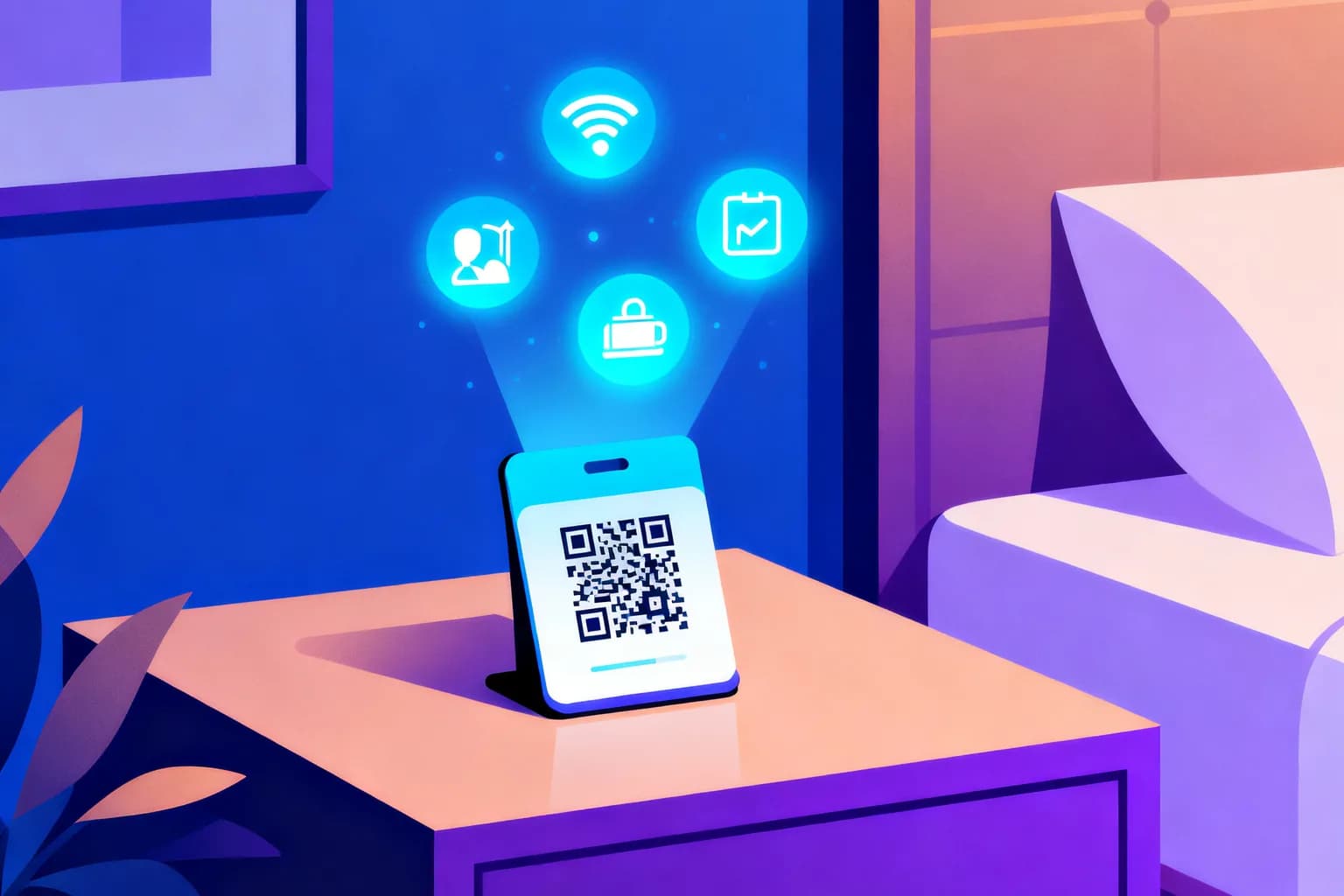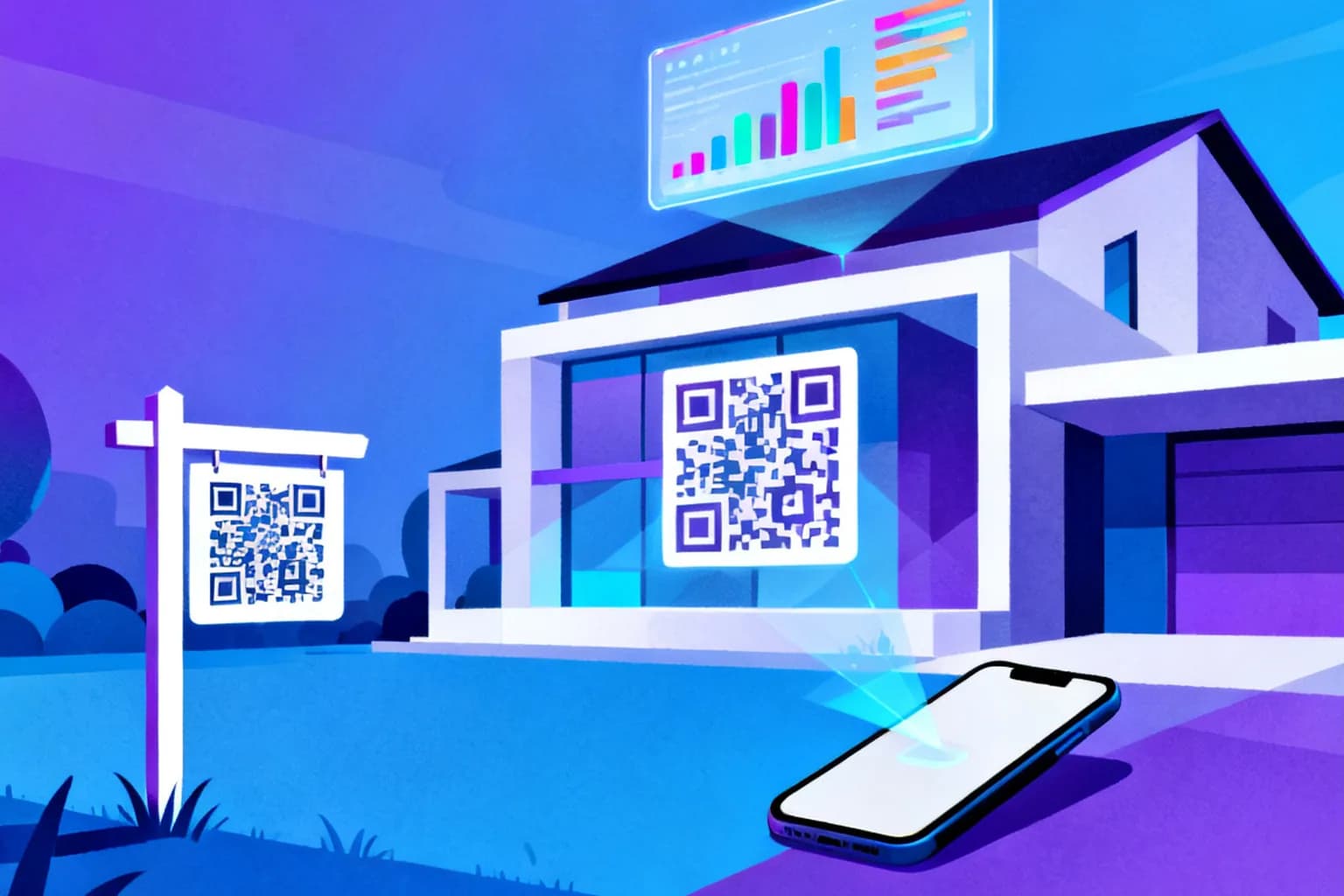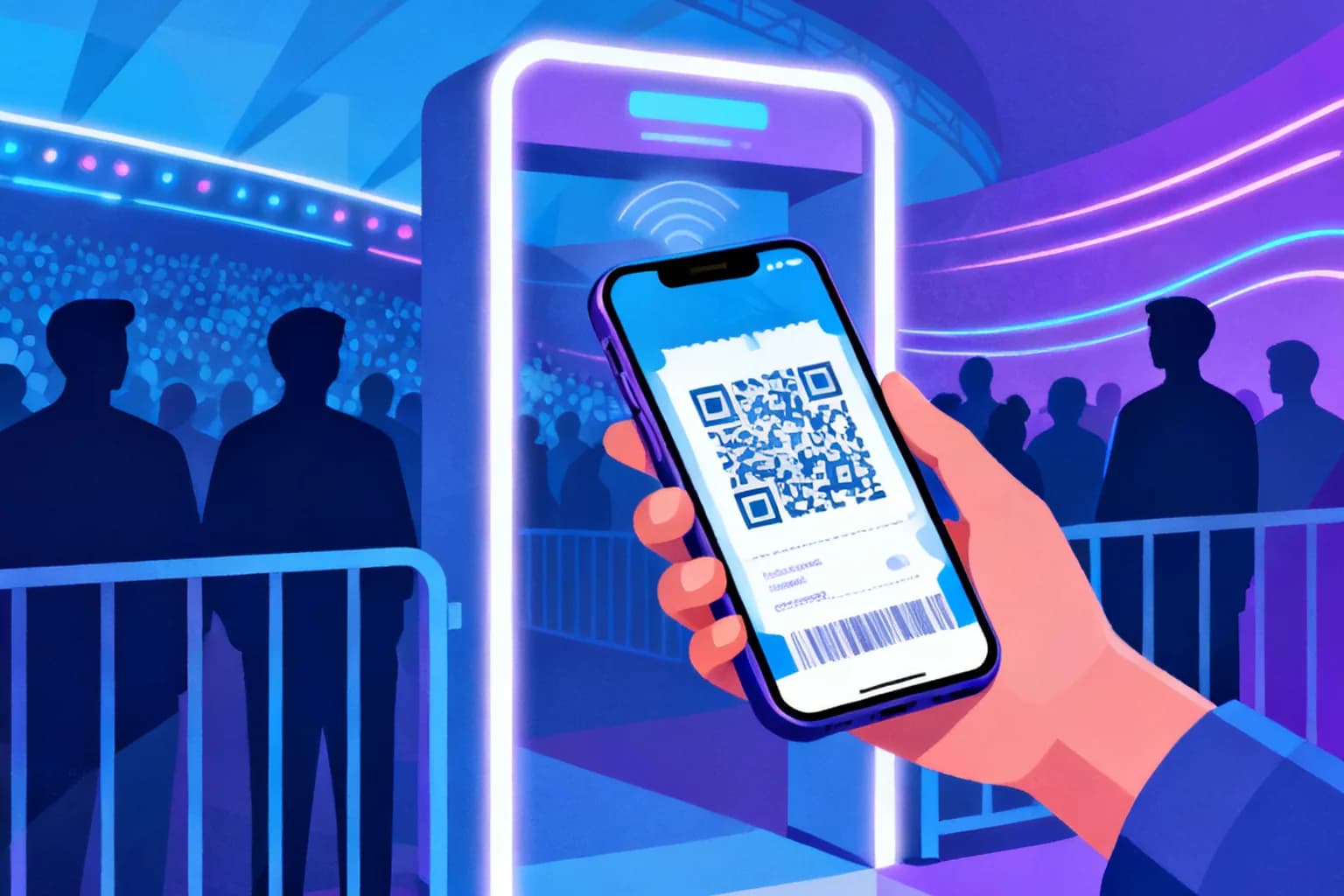
QR code asset tracking means putting a durable QR label on every laptop, tool, machine or piece of furniture you own, so anyone with a phone can scan it and open that item's record in seconds. You do not need handheld scanners, RFID readers or a dedicated app. The most practical setup uses a dynamic QR code on each tag: the printed code stays the same for the life of the asset, while the page behind it can move from a spreadsheet to a maintenance system without reprinting a single label. Done well, it turns "who has the projector?" from a hallway search into a ten-second scan, and it gives audits a timestamped trail instead of a clipboard.
Key takeaways
- A QR asset tag links a physical item to its digital record, and any smartphone camera can read it.
- Dynamic codes are the safer choice for tags because the destination can change while the printed label stays put.
- Each tag should carry a short, permanent asset ID that is printed in plain text next to the code.
- Label material matters as much as the code: polyester or anodized aluminum outlasts paper by years.
- Scan history adds a lightweight audit trail, but it does not replace a proper check-in and check-out process.
What is QR code asset tracking, and why are teams switching to it?
Asset tracking answers three questions about anything you own: what it is, where it is and what condition it is in. Traditionally that meant serial numbers in a spreadsheet and an annual walk-through with a clipboard. A QR tag shortens the loop. Scan the label, the record opens, and the person standing next to the item can confirm its location, report a fault or log a handover on the spot.
The pressure to do this better is real. In the 2026 edition of its State of ITAM survey of 512 technology professionals, Flexera found that only 36% of organizations report complete visibility into their IT estate, down from 43% a year earlier. If most companies cannot fully see their own technology, the gap is usually wider for tools, furniture and field equipment that never appear in any software inventory.
QR codes fit this problem because the hardware is already in every pocket. A barcode needs a scanner; an RFID tag needs a reader and an antenna. A QR label needs a phone camera, which means the technician, the receptionist and the external auditor can all take part without training or extra devices.
Should asset tags use static or dynamic QR codes?
Both work technically, but they age very differently. A static code stores its content directly in the pattern. If that content is a URL and the URL ever changes, every label in the building points to a dead page. A dynamic code stores a short redirect link instead, so you can update the destination at any time. The difference is explained in detail in our guide to static vs dynamic QR codes.
| Criterion | Static QR tag | Dynamic QR tag |
|---|---|---|
| Content stored | Final URL or text inside the pattern | Short redirect link |
| Change destination later | No, label must be reprinted | Yes, from the dashboard |
| Scan history | None | Time, device and approximate location per scan |
| Pattern density | Grows with URL length | Stays low because the link is short |
| Works if the service is cancelled | Yes | Only while the redirect is active |
| Best fit | Fixed serial numbers, offline-only records | Records that live in software you may replace |
For most teams the deciding factor is software churn. Asset records rarely stay in the same tool for the eight or ten years a forklift or a server rack stays in service. A dynamic tag lets you migrate from a shared spreadsheet to a maintenance platform and simply repoint the codes. If you want the full background on how redirects work, the dynamic QR code guide covers it step by step.
Static codes still have a place. If a label only needs to show a serial number and a phone number for the service desk, a static text code is permanent and has no dependency on any platform.
What should an asset QR code actually point to?
The code is only a pointer. What makes the system useful is the page it opens. A good asset landing page answers the scanner's most likely question within one screen, without a login wall for basic information.
- Identity: asset ID, model, serial number and a photo so the person can confirm they scanned the right item.
- Status: assigned owner or location, last service date and any open fault.
- Actions: a short form or link to report a problem, request a loan or confirm presence during an audit.
- Documents: manual, safety sheet or warranty, which saves a search when something breaks.
Keep the asset ID independent of the URL. Use a short, sequential format such as EQ-00417 and print it in plain text next to the code. If a label is scratched or a phone has no signal, someone can still type the ID into the system by hand. The ID is permanent; the URL behind the code is allowed to change.
Avoid putting sensitive details directly in the landing page. Anyone who can physically reach the item can scan its tag, so purchase prices, home addresses of remote staff and network credentials belong behind authentication, not on the public record.
How do you set up QR asset tags, step by step?
A small pilot with 20 to 50 items reveals most of the practical problems before you label the whole inventory. The sequence below works whether your records live in a spreadsheet or in dedicated software.
- Define the scope. Pick one category first, for example laptops or power tools, and list the fields you need for each item.
- Assign permanent IDs. Give every item an ID that will never be reused, even after the item is retired.
- Create one record per asset. Each record needs its own stable web address, such as a row-specific link, a form pre-filled with the ID or a page in your maintenance tool.
- Generate one dynamic code per record. Name each code after its asset ID so the dashboard stays searchable.
- Print a test batch. Print five labels on the final material and scan them with an older phone, in poor light and from an awkward angle.
- Apply labels consistently. Choose the same position on every item of a type, for example the bottom-left corner of a laptop lid, so people know where to look.
- Scan every label once after applying it. This confirms the code works and records a first scan as a baseline.
- Write a one-page procedure. Explain what to do when someone scans an item, moves it, finds it damaged or cannot find it.
Which label material and size survive in the field?
The code itself does not wear out, but the surface it is printed on does. A smudged or peeling label is the most common reason asset programs quietly fail after a year. Match the material to the environment rather than buying one type for everything.
| Environment | Recommended material | Typical code size |
|---|---|---|
| Office IT and furniture | Laminated polyester label | 15 to 20 mm |
| Workshops and power tools | Polyester with strong adhesive, or engraved plate | 20 to 25 mm |
| Outdoor equipment and vehicles | UV-resistant vinyl or anodized aluminum | 25 to 40 mm |
| Racks, shelves and high-mounted items | Polyester, placed at eye level where possible | 40 mm or larger |
Size depends mostly on scanning distance. A useful rule of thumb is a ratio of about 10 to 1 between distance and code width, so a 20 mm code reads comfortably from around 20 cm. For more exact numbers, including quiet zones and module size, see the QR code size guide for printing.
Use a higher error correction level, such as Q or H, for tags that will be handled often. Higher error correction makes the pattern denser, but it lets the code survive scratches and dirt on part of its surface, which is exactly what happens on a tool that lives in a truck.
How do QR tags fit into maintenance and audits?
Maintenance is where asset tags pay for themselves fastest. When a technician scans a machine and lands directly on its service history, the time spent searching for the right record disappears, and fault reports arrive already attached to the correct asset.
Downtime remains a stubborn problem on shop floors. The 2026 State of Industrial Maintenance report from MaintainX, based on responses from 2,234 maintenance and operations leaders in the US and Canada, found that 34% of teams saw more unplanned downtime than a year earlier and 45% saw the same amount. Faster fault reporting at the machine itself is one of the simplest levers available.
For audits, the pattern is simple. Instead of comparing a printed list against what is on the shelves, the auditor scans every item they find. Afterwards, any record without a recent scan is a candidate for investigation: it may be lost, stored elsewhere or retired without being written off. That list is usually much shorter than a full manual reconciliation.
- Preventive maintenance: put the next service date on the landing page so anyone can see whether a machine is overdue.
- Loans and handovers: link the tag to a short check-out form that records who took the item and when.
- Safety inspections: attach the latest inspection result so users can confirm a ladder or harness is cleared before use.
What can scan data tell you about your assets?
Every scan of a dynamic code is logged with a time, the device type and an approximate location derived from the network. Over months this builds a passive history: which items are used often, which ones nobody touches and which sites generate the most fault reports. Our article on QR code tracking and scan analytics explains how to read these numbers.
Be realistic about what this data is. Location from a scan is based on the IP address of the phone's connection, so it is reliable at country and often city level, not at the level of a specific room or shelf. It tells you that someone scanned the item in Munich on Tuesday, not that the drill is on the third shelf of cabinet B.
The most useful signals are usually patterns rather than single scans:
- An asset with zero scans over a full audit cycle is either unused or missing.
- A sudden spike in scans on one machine often points to a recurring fault.
- Scans from an unexpected city suggest an item has left its assigned site.
How do you keep asset QR codes secure?
Because a QR tag is visible to anyone who walks past, security starts with what the public page reveals. Keep the open view to identity and a fault-report option. Put ownership details, costs and internal notes behind a login.
A few platform features help when you need tighter control. Password protection lets you require a code before the destination opens, which suits items in shared spaces. Expiration dates make sense for temporary equipment such as rental machines or event hardware. Scan limits are useful for one-time handover links that should not be reused.
Label tampering is a smaller but real risk. A sticker printed with a different code can be placed over the original. Tamper-evident label stock, which leaves a visible pattern when removed, and a consistent label design with your logo make swaps easier to spot. Staff should also check that the landing page shows the expected asset ID before acting on anything it says.
Frequently asked questions
Do I need special software to track assets with QR codes?
No. A spreadsheet with one row per asset and a dynamic QR code per row is enough to start, and you can repoint the codes to dedicated maintenance software later without reprinting labels.
Can QR codes replace RFID for asset tracking?
For most small and mid-sized inventories, yes. QR tags need line of sight and one scan per item, while RFID can read many tags at once from a distance, which matters mainly in high-volume warehouses.
How long do QR asset labels last?
Laminated polyester labels typically last several years indoors, and engraved or anodized aluminum plates can last the full life of the equipment. Paper labels often fail within months on handled items.
What happens to my tags if I change asset management tools?
With dynamic codes, you update each destination in the dashboard and the printed labels keep working. With static codes that contain a URL, every label pointing to the old tool has to be replaced.
Start tracking your assets with QRiety
QRiety lets you create dynamic QR codes for every asset, change where they point whenever your records move, and, on paid plans, see when and where each tag was scanned. You can add your logo and colors to keep labels recognizable and start on the free plan before rolling out to the whole inventory. Create your first asset tag for free.