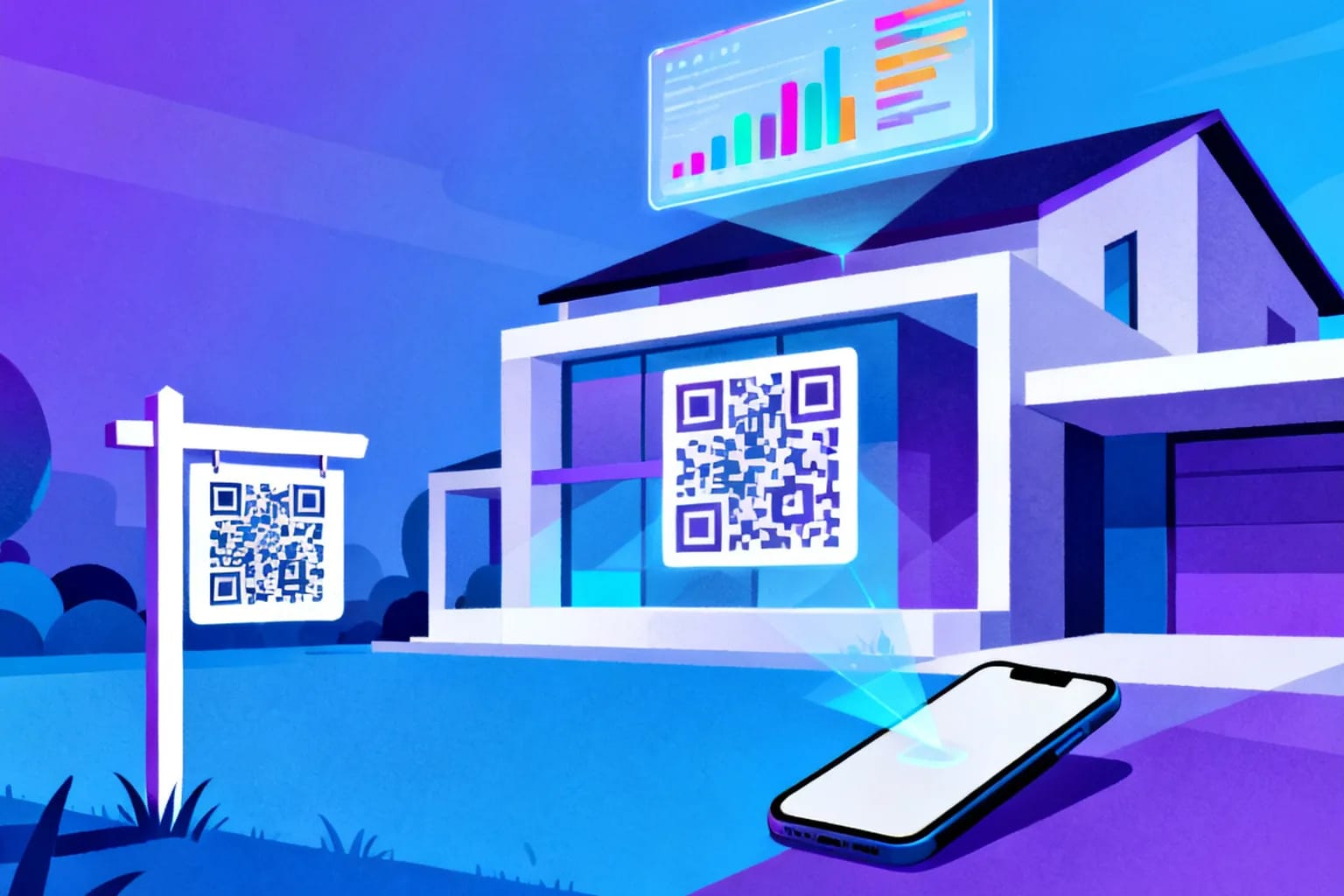
A QR code on a real estate yard sign or listing flyer turns a drive-by glance into a full property visit: one scan opens photos, the floor plan, the virtual tour and a way to book a showing. The version that works best for agents is a dynamic QR code, because the printed code stays the same while the page behind it changes. When a listing sells, goes under contract or drops in price, you update the destination instead of reprinting the sign, and every scan is counted so you can see which sign, flyer or open house actually generates interest.
Key takeaways
- Use a dynamic QR code on yard signs and flyers so you can change the destination after the sign is installed.
- Send each scan to a mobile-first listing page with photos, price, floor plan, tour and a showing request.
- Give every placement its own code so you can compare a yard sign with a flyer or a print ad.
- Size the code for the real scanning distance; a yard sign read from the sidewalk needs a much larger code than a brochure.
- Reuse sign riders across listings by pointing the same code at the next property.
Why do QR codes work so well for real estate listings?
Buyers already search on their phones. The moment they see a for-sale sign, the question is how fast they can get from the curb to the listing details. Typing an address into a portal or calling an office number during dinner is friction. Pointing a camera at a code is not.
The habit is well established. According to the 2025 NAR Profile of Home Buyers and Sellers, 52% of buyers found the home they purchased online, and 70% used a mobile or tablet device during their search. A QR code bridges the physical sign and the online search that most buyers are already running in parallel.
The audience can scan, too. The Pew Research Center mobile fact sheet reports that 91% of U.S. adults owned a smartphone in its 2025 survey, up from 35% in 2011. With nearly every passerby carrying a camera that reads QR codes natively, a code on a sign is no longer a novelty; it is the shortest route to the listing.
There is a second benefit that matters to agents and brokers: measurement. A yard sign used to be a cost with no feedback. With a tracked code, you learn how many people scanned, when, and on which device, which turns signage into a channel you can evaluate.
Where should you place QR codes in a real estate campaign?
Every printed touchpoint that a buyer might see without you in the room is a candidate. The goal is to give each one its own job and, ideally, its own code.
| Placement | Typical scan distance | Best destination |
|---|---|---|
| Yard sign or sign rider | 2–5 m (sidewalk or car window) | Listing page with photos, price and showing request |
| Window card in an office | 0.5–1.5 m | Listing page or a short list of similar homes |
| Open house flyer | 20–40 cm | Floor plan, disclosures and a feedback form |
| Property brochure or postcard | 20–40 cm | Virtual tour or neighborhood guide |
| Print ad or magazine | 30–50 cm | Listing page with a clear contact option |
| Agent business card | 20–30 cm | Digital contact card |
Yard signs are the highest-traffic placement for most listings, but open house materials often produce the most qualified scans, because the person is already inside the home. Treat them as two separate channels rather than one.
How do you create a QR code for a property listing, step by step?
The process takes a few minutes per listing once you have a page to send people to. If you are new to the mechanics, the dynamic QR code guide">dynamic QR code guide covers the fundamentals; the steps below focus on what changes for real estate.
- Prepare the listing page. Use the property page on your brokerage site, a single-property website or the listing on your preferred portal. It must load quickly and look right on a phone.
- Create a dynamic URL code. Choose URL as the type and paste the listing link. Dynamic means the code points to a short redirect that you control.
- Name the code by placement. Something like "12 Oak Street — yard sign" or "12 Oak Street — open house flyer" keeps reports readable later.
- Style it for your brand. Use your brokerage colors and logo, but keep strong contrast between a dark foreground and a light background.
- Add a call to action next to the code. "Scan for photos and price" or "Scan to book a showing" tells people what they get.
- Test before you print. Scan with at least one iPhone and one Android phone, from the real distance, in daylight and at dusk.
- Export a vector or high-resolution file. Send SVG or a large PNG to the sign shop so edges stay sharp at full size.
If you repeat these steps for each placement, you end up with a small family of codes per listing, each one reporting separately.
What should the page behind the code show?
The scan is only as good as the page it opens. Someone standing on the sidewalk has a few seconds of attention, so the first screen has to answer their immediate questions.
- Price and status at the top: for sale, under contract, price reduced.
- A photo gallery that swipes smoothly on a phone.
- Key facts: bedrooms, bathrooms, living area, lot size, year built.
- Floor plan and virtual tour links for people who want depth before booking.
- One clear action: book a showing, call the listing agent or request the disclosure package.
Avoid sending scanners to a general office homepage or a search results page. They scanned a specific house; show them that house.
Make sure the page also works on slow mobile connections. Compress large photos, avoid autoplay videos on the first screen and keep pop-ups out of the way of the contact button.
Why should real estate agents choose dynamic over static QR codes?
A static QR code stores the URL directly in the pattern. Once printed, it can never change. That is fine for a permanent link, but a listing is anything but permanent.
| Situation | Static code | Dynamic code |
|---|---|---|
| Listing goes under contract | Sign keeps sending people to an outdated page | Switch to a "pending — see similar homes" page |
| Portal or website URL changes | Code breaks; reprint required | Update the destination in seconds |
| Home sells | Sign rider is waste | Point the same rider at your next listing |
| You want scan counts | No data | Scans by time, device and location |
| Typo in the URL | Reprint everything | Fix it online |
The reusable sign rider is the practical win. Many agents keep a stack of branded riders with a dynamic code on each. When a home sells, the rider moves to the next yard and the destination is updated.
Dynamic codes also keep the pattern simpler. Because the code only stores a short redirect, not a long portal URL with tracking parameters, the modules are larger and easier to scan from a distance.
How big should a QR code be on a yard sign?
Size depends on distance. A common rule of thumb is a ratio of about 10:1 between scanning distance and code width, so a code meant to be scanned from 3 m should be roughly 30 cm wide. In practice, yard signs are read at angles, from moving cars and in mixed light, so err on the larger side.
- Sign rider scanned from the sidewalk (2–3 m): at least 20–30 cm.
- Main yard sign seen from across a quiet street (4–5 m): 40 cm or more, or skip the code there and put it on a rider closer to the walkway.
- Window card: 8–12 cm.
- Flyers, brochures and postcards: 2.5–3.5 cm minimum.
Leave a quiet zone of empty space around the code, at least four modules wide. Avoid glossy laminate that reflects sunlight straight into the camera; a matte finish scans more reliably outdoors. Mount the code at chest height if possible, since people rarely crouch to scan.
Weather matters too. Outdoor signs fade, so use UV-resistant printing and check the code every few weeks during a long listing. A sun-bleached code with weak contrast is one of the most common reasons scans drop off.
How do you measure which signs and flyers generate leads?
The value of tracking shows up when you compare placements. With one code per placement, you can answer questions that used to be guesswork: does the yard sign get more scans than the open house flyer, and which listings attract attention after work hours?
Useful metrics to watch:
- Total and unique scans per code, to compare placements fairly.
- Time of day and day of week, which often show evening and weekend peaks for yard signs.
- Device and operating system, to confirm the listing page is tested on the phones people actually use.
- City or region, useful for print ads and postcards mailed across several neighborhoods.
Scan data is not the same as a lead, so pair it with what happens next. If a sign gets plenty of scans but few showing requests, the problem is likely the landing page, not the sign. For a deeper look at reading these numbers, see the guide to QR code scan analytics">QR code scan analytics.
Share the results with sellers. A short report showing how many people scanned the sign and the flyer during the first two weeks is a concrete way to demonstrate the marketing work behind a listing.
What mistakes should you avoid with real estate QR codes?
Most failed QR campaigns in real estate come from a few avoidable issues.
- Linking to a desktop-only page. If the listing needs zooming and pinching, people leave.
- No call to action. A bare code invites suspicion; a short line of text explaining the scan builds trust.
- Too small for the distance. A brochure-sized code on a yard sign forces people to walk onto the lawn.
- Low contrast or inverted colors. Light codes on dark backgrounds fail on some scanner apps.
- Forgetting sold listings. A sign that still opens a listing that sold months ago looks careless; update the destination the day the status changes.
- One code everywhere. Using the same code on every material makes it impossible to tell which piece worked.
How can QR codes help agents beyond the listing itself?
The listing code is the obvious use, but the same tool supports your personal brand and your brokerage operations.
- Agent contact card: put a code on your business card and open house name tag that saves your details directly to the phone. A digital business card QR code">digital business card QR code is faster than spelling your email address aloud.
- Open house sign-in: a code at the entrance opens a short form, replacing the paper sign-in sheet and capturing contact details you can actually read.
- Feedback after a showing: a code on the kitchen counter asks visitors what they thought of the price and condition.
- Neighborhood guide: link to schools, transit and local amenities for buyers relocating from another city.
For sensitive documents such as disclosure packages, consider protecting the destination with a password or setting an expiration date, so that access ends when the transaction does.
Frequently asked questions
Can I reuse a QR code sign rider for a different property?
Yes, if the code is dynamic. You keep the printed rider and change the destination to the new listing in your dashboard. A static code cannot be reused because the old URL is permanently encoded in the pattern.
What happens to the QR code when a listing sells?
With a dynamic code, you decide. Point it to a "sold" page that shows similar homes, to your agent profile or to your next listing, so late scanners still reach something useful instead of a dead page.
Do buyers need a special app to scan a real estate QR code?
No. The built-in camera on current iPhone and Android phones reads QR codes directly. A short instruction such as "Scan for photos and price" next to the code is enough for almost everyone.
Should every listing have its own QR code?
Ideally every placement has its own code, not just every listing. Separate codes for the yard sign, the flyer and the print ad let you see which channel produces scans and which one you can drop next time.
Put your listings in every buyer's pocket with QRiety
QRiety lets you create dynamic QR codes for yard signs, flyers and open houses, change the destination whenever a listing changes status, and see every scan by time, device and location. You can start on the free plan and move a sign rider from one property to the next without reprinting. Create your first listing QR code for free.