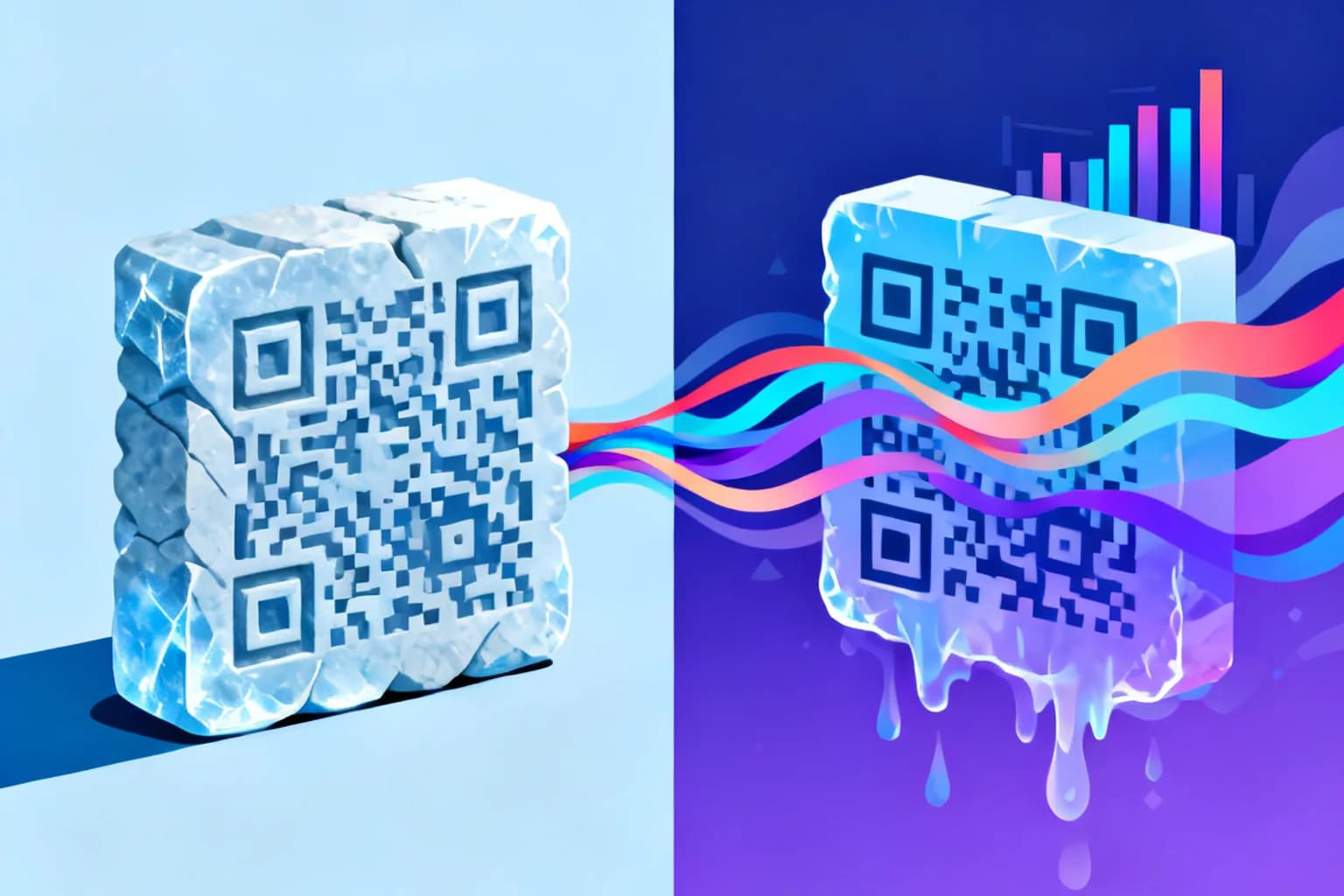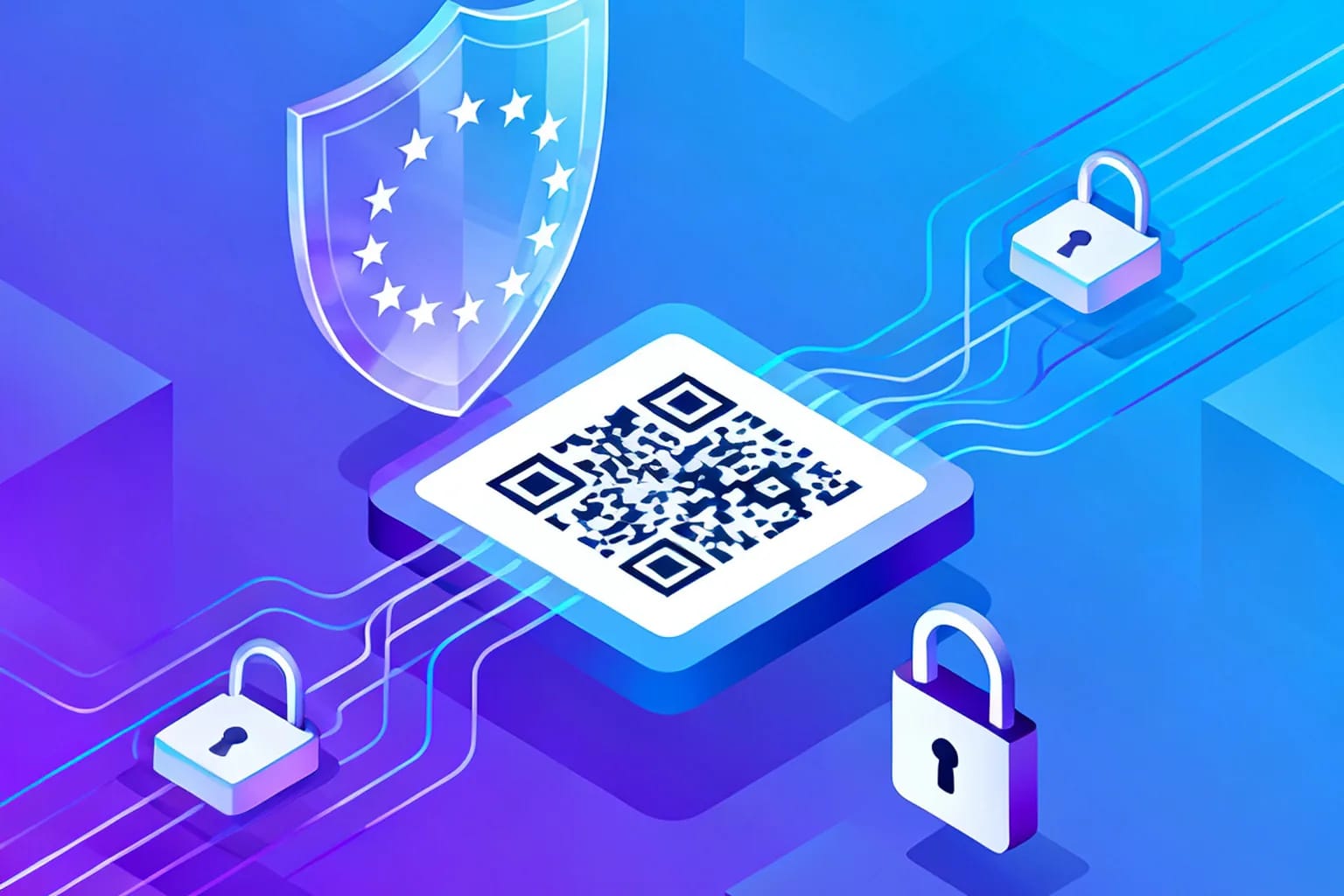
QR codes are safe in themselves: a QR code is only a pattern that stores a piece of text, usually a URL. The privacy question starts when that URL runs through a tracking service. GDPR-compliant QR code tracking means you collect only what you need to count and understand scans, you have a clear legal basis for it, you tell people about it on the landing page, and you delete or aggregate the data on a schedule. Done that way, scan analytics and European data protection law fit together without a cookie banner or a consent wall in front of every redirect.
Key takeaways
- A static QR code collects no data at all; privacy obligations only begin when a scan passes through a tracking redirect.
- An IP address combined with a timestamp can count as personal data under the GDPR, so dynamic QR analytics fall within its scope.
- Aggregate scan counting can usually rely on legitimate interest, while cookies, fingerprinting or cross-site profiling need consent.
- Data minimization, a short retention period and a processor agreement with your QR provider do most of the compliance work.
- The landing page, not the printed code, is where your privacy notice belongs.
Are QR codes safe to scan, and where does the privacy risk actually sit?
A QR code cannot run code, install software or read anything from a phone. It is a two-dimensional barcode defined by ISO/IEC 18004, and the camera app simply decodes the text inside it. If that text is a URL, the phone shows a preview and asks before opening it. Everything that happens next is ordinary web traffic.
That gives you two separate risk areas, and it helps to keep them apart:
- Security risk for the scanner. A malicious code, often a sticker placed over a legitimate one, can send people to a phishing page. This is a fraud problem, not a data protection problem, and it is covered further down.
- Privacy risk created by the code owner. A dynamic QR code points to a short redirect URL. The redirect server sees the request, logs it and then forwards the visitor. What it logs, for how long and why is where the GDPR comes in.
So the honest answer to "are QR codes safe" is yes, with a condition: the safety of a scan depends on who controls the destination and how responsibly they handle the data that each request reveals.
What personal data does a dynamic QR code scan collect?
When a phone opens a redirect URL, the browser sends a standard HTTP request. Every web server on the planet receives the same basic fields. A scan analytics system turns them into reports.
| Data point | Where it comes from | Personal data? |
|---|---|---|
| IP address | Network connection | Yes, in most cases |
| Country, region, city | Derived from the IP address | Usually not on its own at city level |
| Device type, OS, browser | User-agent header | Low risk alone, higher when combined |
| Referrer | Referer header, if sent | Rarely |
| Timestamp | Server clock | Becomes identifying in combination |
The key point is combination. A browser version tells you nothing about a person. An IP address plus a precise timestamp plus a device model can single out one phone. The Court of Justice of the European Union confirmed in its 2016 Breyer ruling that even a dynamic IP address can be personal data when the holder has legal means to link it to a person. That is why a scan log is treated as personal data unless you deliberately strip it down.
If you want a deeper look at which metrics are worth tracking in the first place, see our guide to QR code scan analytics.
Does GDPR apply to QR code tracking at all?
It depends on the type of code. A static QR code stores its content directly in the pattern. Nothing sits between the scan and the destination, so the code owner learns nothing and the GDPR has nothing to regulate at the QR level. Whatever the destination website does is a separate matter.
A dynamic QR code is different by design. It routes every scan through a server so that you can change the destination later and count the scans. That server processes request data, which brings the GDPR into play whenever the scanner is in the EU or the business is established there. The difference between static and dynamic QR codes therefore decides whether you need to think about compliance at all.
In GDPR terms the roles are usually clear:
- The business that prints the code and reads the reports is the controller. It decides why and how scan data is used.
- The QR platform that runs the redirect is a processor. It handles the data on the controller's behalf.
Article 28 of the GDPR requires a written data processing agreement between the two. If your QR provider cannot give you one, that alone is a reason to switch.
Which legal basis covers QR scan analytics: consent or legitimate interest?
Every processing activity needs one of the six legal bases in Article 6. For QR tracking, two are realistic.
Legitimate interest (Article 6(1)(f)) fits basic, aggregate analytics. You have a reasonable interest in knowing how many people scanned a poster, in which city and on which kind of device. The scanner reasonably expects that a link they chose to open is logged by a server. The balance tips in your favor as long as you do not build profiles, do not follow people across sites and keep the data short-lived. Document this balancing test in a few paragraphs; supervisory authorities ask for it.
Consent (Article 6(1)(a)) becomes necessary once you go beyond that. Typical triggers are:
- setting cookies or reading local storage on the phone for tracking purposes,
- device fingerprinting to recognize returning scanners,
- linking scans to customer accounts, email addresses or loyalty IDs,
- passing scan data to advertising networks for retargeting.
A redirect cannot show a consent dialog without destroying the scanning experience, so the practical rule is simple: keep the redirect itself consent-free and minimal, and move anything that needs consent to the landing page, where a proper consent banner can do its job.
Do you need a cookie banner for a QR code redirect?
Not if the redirect does not store or read anything on the device. The cookie rule comes from the ePrivacy Directive, Article 5(3), not from the GDPR itself. It covers storing information on, or accessing information from, a user's terminal equipment. A server that reads standard request headers and answers with an HTTP redirect does neither in the classic sense.
Be careful with the details, though. The European Data Protection Board published guidelines in 2023 that read Article 5(3) broadly, covering tracking pixels, tracking links and similar techniques when they are used to gain access to information on the device. A redirect that only logs what the browser sends anyway is on the safe side. A redirect that drops a cookie, runs a fingerprinting script or chains through several third-party trackers is not.
The cleanest setup looks like this: the scan hits a server-side redirect, the server writes a minimal log entry, and the visitor lands on your page in well under a second. No cookies, no JavaScript, no third parties at the redirect step.
How do you set up GDPR-compliant QR code tracking, step by step?
Most of the work is a handful of decisions you make once and then apply to every campaign.
- Pick the right code type. If you do not need analytics or later edits, use a static code and the question disappears. For campaigns you want to measure, use a dynamic QR code.
- Choose a provider that processes data in the EU. Hosting inside the EU avoids the extra paperwork that Chapter V of the GDPR requires for international transfers.
- Sign a data processing agreement. Article 28 makes it mandatory. Check that it names subprocessors and hosting locations.
- Minimize what is stored. Ask whether full IP addresses are kept or truncated, and whether location is resolved only to country or city level.
- Set a retention period. Decide how long raw scan logs live before they are deleted or aggregated. A campaign that runs for three months rarely needs individual scan rows for two years.
- Update your privacy notice. Article 13 requires you to tell people what you collect, why, on which legal basis and for how long. Put a link to it on every landing page reached through a QR code.
- Record it. Add QR scan analytics to your record of processing activities under Article 30, along with your legitimate interest assessment.
Once these seven points are settled, each new code inherits the setup. You do not need a new assessment for every poster, only when the purpose or the data changes.
What happens if QR tracking breaks GDPR?
The risk is not theoretical. Under Article 83 of the GDPR, the most serious infringements can be fined up to 20 million euros or 4 percent of worldwide annual turnover, whichever is higher. Smaller businesses typically face far lower amounts, but the ceiling shows how seriously the regulation treats unlawful processing.
Enforcement is steady, not sporadic. According to the DLA Piper GDPR Fines and Data Breach Survey (January 2026), European supervisory authorities issued about 1.2 billion euros in fines during 2025, bringing the total since May 2018 to roughly 7.1 billion euros, while breach notifications averaged 443 per day.
Fines are only one part of the cost. A complaint usually starts with a single person who scanned a code, landed on a page without a privacy notice and asked what happened to their data. Answering a data subject access request within one month is much easier when your scan data is minimal and documented.
There is also a commercial side. In the Cisco 2025 Data Privacy Benchmark Study, which surveyed 2,600 privacy and security professionals in 12 countries, 86 percent said privacy laws have a positive impact on their organizations and 96 percent said privacy investments return more than they cost.
How do you protect scanners from malicious QR codes?
Privacy compliance protects the data of people who scan your codes. Security practices protect the people themselves. Both shape whether customers trust your codes enough to scan them.
- Use your own domain or a recognizable short domain. People increasingly check the URL preview before tapping it. A familiar domain reassures them.
- Inspect codes in public places. Check posters, parking meters and table cards regularly for stickers placed over the original code.
- Never ask for credentials or payment right after a scan unless the context makes it obvious why. Fraudsters copy exactly that pattern.
- Use HTTPS everywhere. Both the redirect and the landing page should be served over an encrypted connection.
- Use expiry dates and scan limits for codes that should only work for a campaign window, so old prints do not lead to outdated or hijacked pages.
A dynamic code has one extra safety advantage here: if you discover a tampered location or an outdated destination, you can change or deactivate the target instantly without reprinting anything.
Frequently asked questions
Can a QR code collect data on its own?
No. A QR code is a static pattern that stores text. Data is only collected when the scanned URL leads to a server that logs requests, which is what dynamic QR codes and ordinary websites do.
Is a static QR code GDPR-compliant by default?
At the code level, yes, because nothing is tracked between the scan and the destination. The website the code opens still needs its own privacy notice and, if it uses cookies, its own consent banner.
Do I need consent to count QR code scans?
Usually not for aggregate counts by time, country and device type, which can rely on legitimate interest. You do need consent if you add cookies, fingerprinting, cross-site tracking or link scans to identifiable customer records.
How long should I keep QR scan data?
The GDPR does not set a fixed period; it requires you to keep data no longer than necessary. Match retention to the purpose, for example the campaign length plus a review period, and aggregate older data into statistics.
Does it matter where my QR code provider hosts its servers?
Yes. Hosting inside the EU keeps scan data within the GDPR framework and avoids the transfer safeguards required for processing in third countries, which simplifies your documentation considerably.
Track QR codes responsibly with QRiety
QRiety is built by an EU-based team and gives you dynamic QR codes whose destination you can change at any time, with scan analytics by location, device and time. Static codes are unlimited and never expire on every plan, so you can choose the lighter option whenever tracking is not needed. Create your first QR code for free and keep your scan data under control.